


Trezor Safe 7 Review 2026
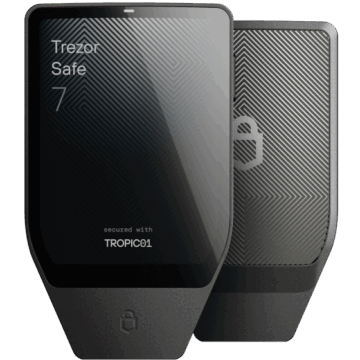
With this flagship model, the long-established Czech company aims to redefine nothing less than crypto security. The Trezor Safe 7 was presented in October 2025 during the “Trustless by Design” event in Prague. With revolutionary features such as the world’s first transparent secure element and an architecture known as “Quantum Ready”, the device promises to set new standards. But what is really behind the big words?
I had the opportunity to take a closer look at this flagship that promises to redefine crypto security. Here you can find out what the Trezor Safe 7 can really do and whether it’s worth the investment for you.
The first impression: Unpacking and touching the Trezor Safe 7
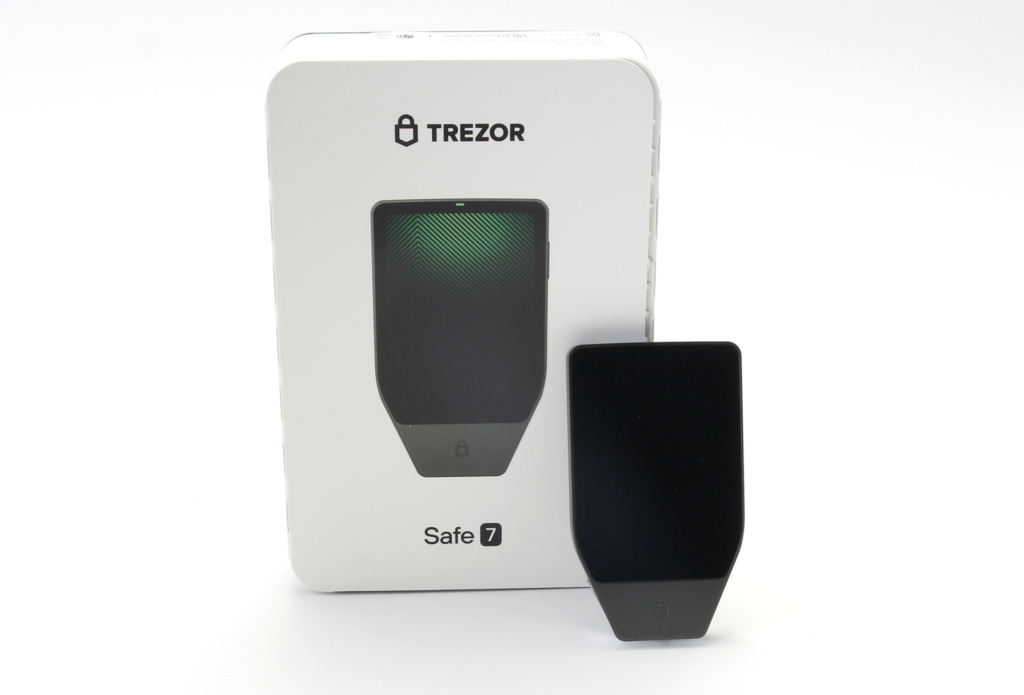
The first contact with the Trezor Safe 7 is, it has to be said, impressive. The market launch itself was perceived by some as so exciting that it almost felt like an Apple keynote. The device is advertised as a very high-quality and technically appealing product that raises the bar significantly in the hardware wallet sector.
Buy a new wallet online
Hardware Wallets should preferably be ordered directly from the manufacturer or official resellers if possible. Dubious stores or private sellers on platforms like ebay or amazon could manipulate the devices for their own purposes or trick the buyer. This way, the thieves can steal all the coins from your hardware wallet at a later time. Unfortunately, there have already been such cases in the past.
If you want to purchase the Trezor Safe 7, you will notice that it is positioned as a premium device. The Trezor Safe 7 is currently available at a price of 249,00 € (click here to check the current price).
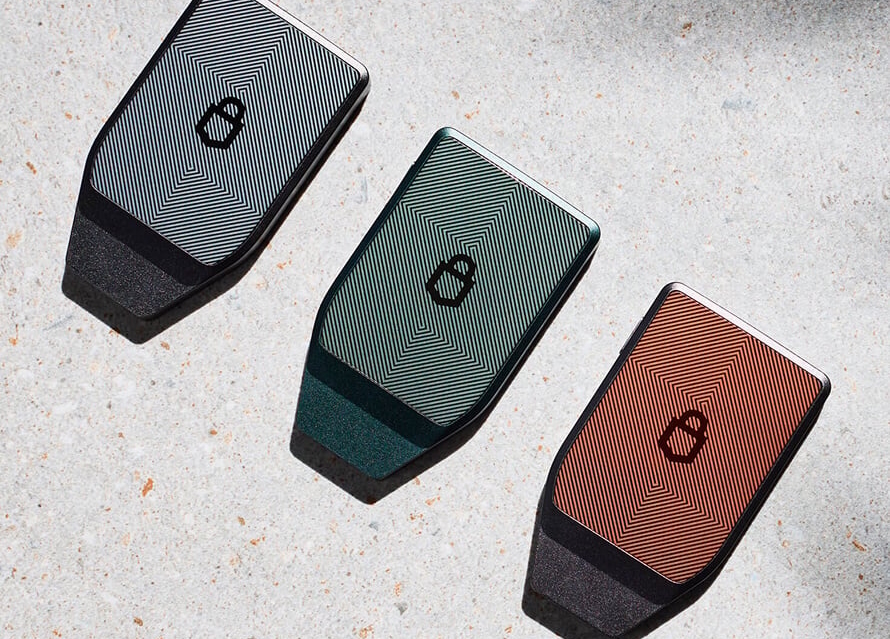
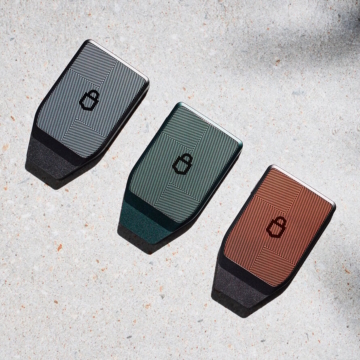
When ordering, you have the choice between different cosmetic variants that differ purely in terms of color: the elegant “Charcoal Black” (charcoal black/dark gray) and the more striking “Obsidian Green” (an almost turquoise green). There is also a special Bitcoin-only edition, which is characterized by an orange back. It should be noted here that you can install the Bitcoin-only firmware on any device; the choice of color is therefore primarily a matter of taste. As the safety of the entire setup starts with the purchase, it is essential to pay attention to the source of supply.
What’s in the box?
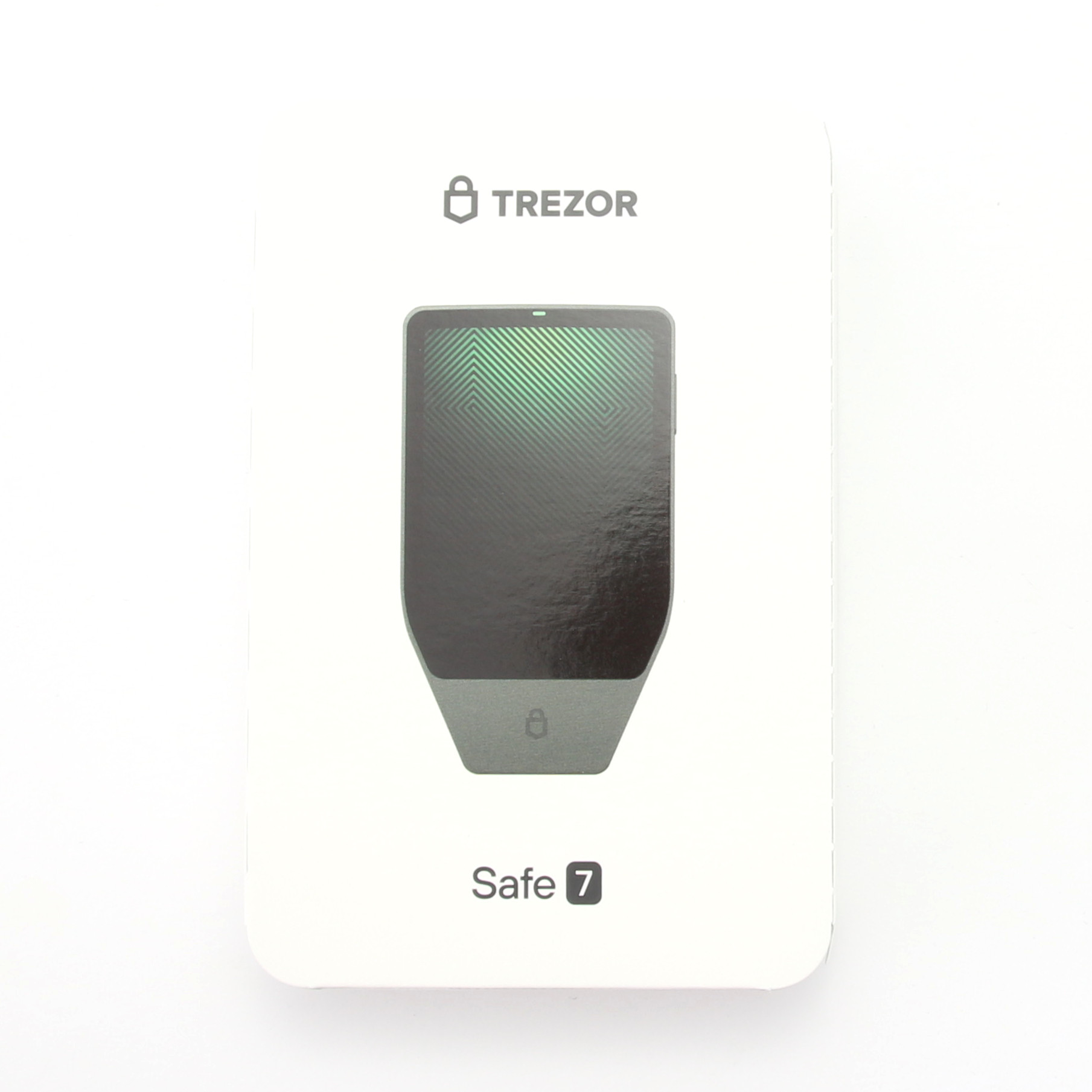
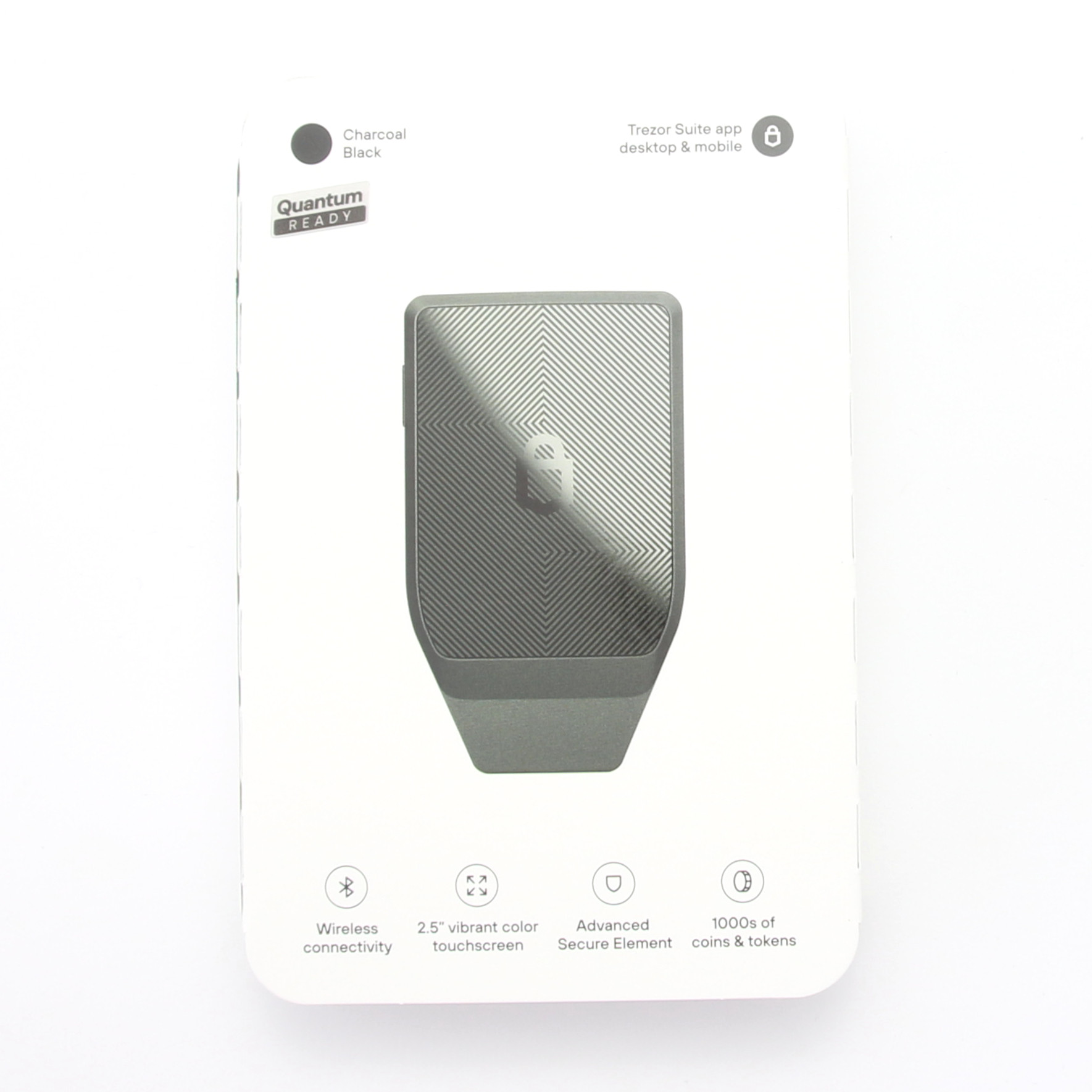
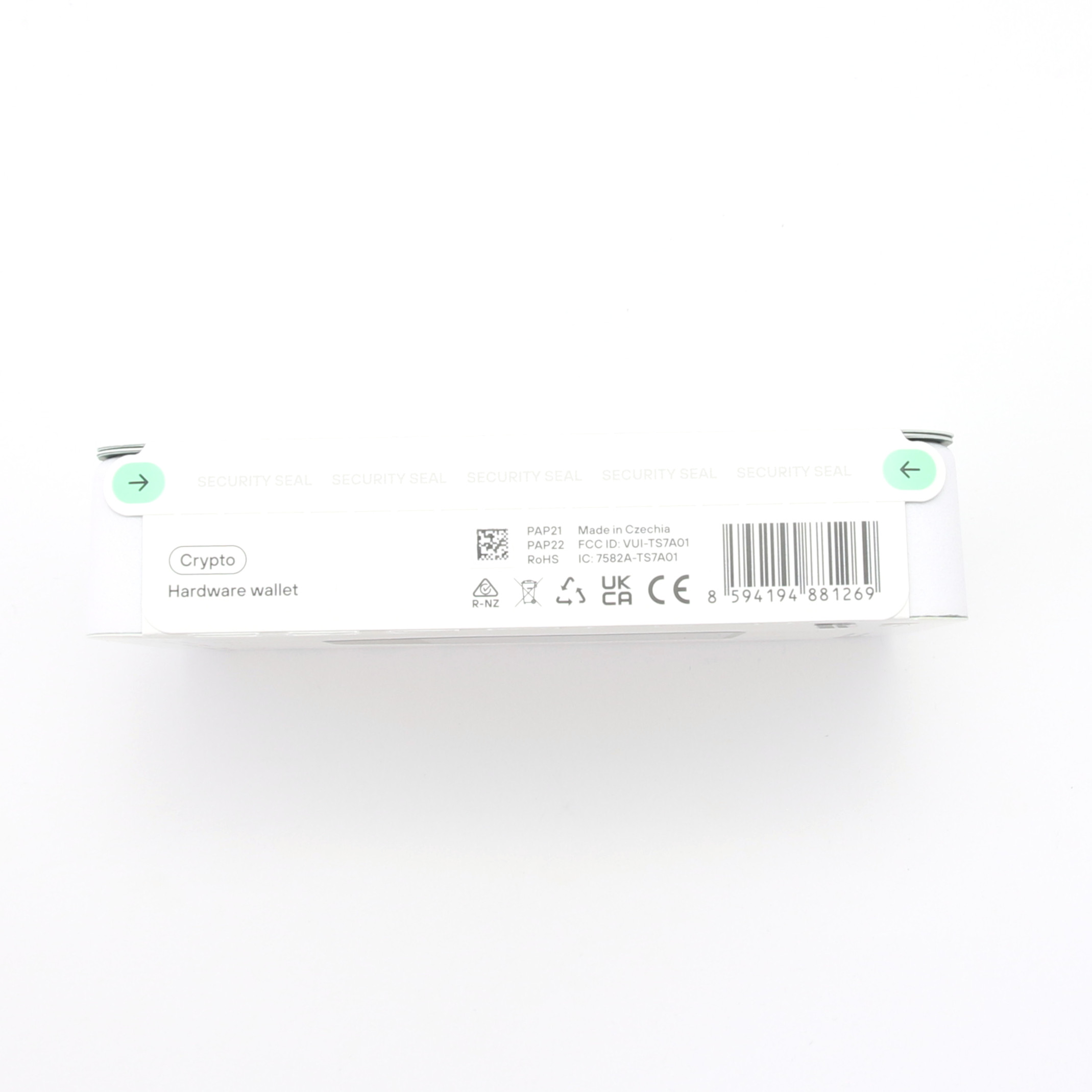
The packaging itself already conveys a high-quality impression, as it is elegant and attractively designed. You get the feeling that the developers have put a lot of thought into creating a coherent overall picture.
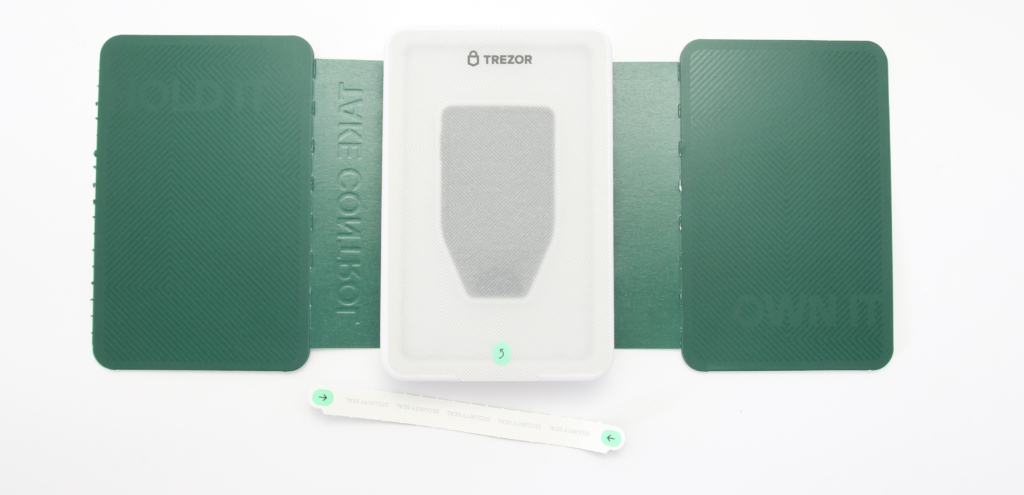
The box is sealed as usual with Trezor, and it is advisable to carefully check the integrity of the plastic film and the security seal on the USB port to prevent tampering.
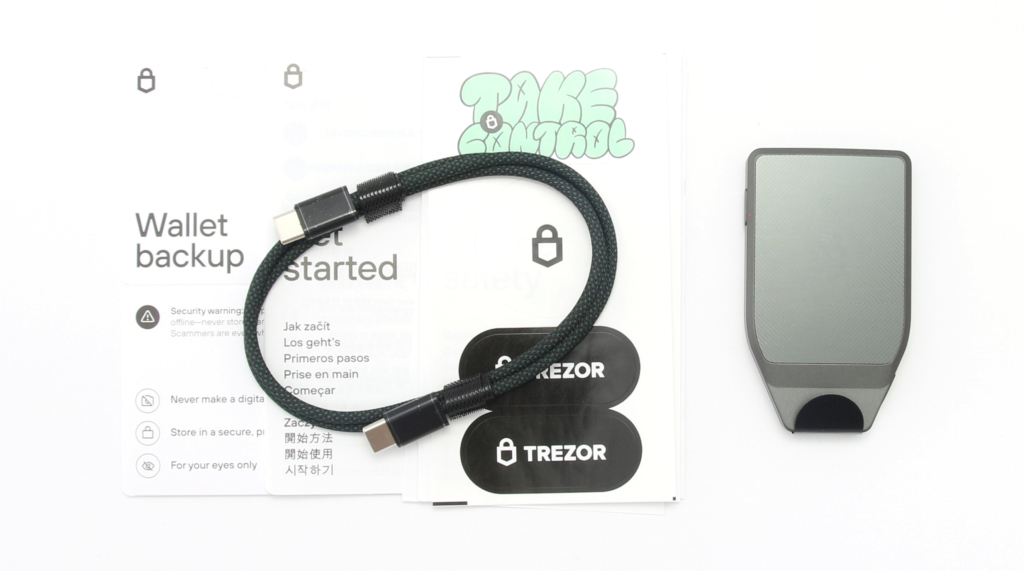
In addition to the Trezor Safe 7 itself, you will also find the required USB-C to USB-C cable in the scope of delivery. This cable feels robust and is braided; I noticed a nice detail: It is in the colors black and green, which is also reflected in the inside of the USB-C port.
Also included are a multilingual Get Started Guide, a leaflet on device safety, some Trezor stickers and two backup cards on which you can write down your 20 recovery words by hand. Providing two cards is helpful as you should keep your seed in different safe places.
Details of the Trezor Safe 7 hardware wallet
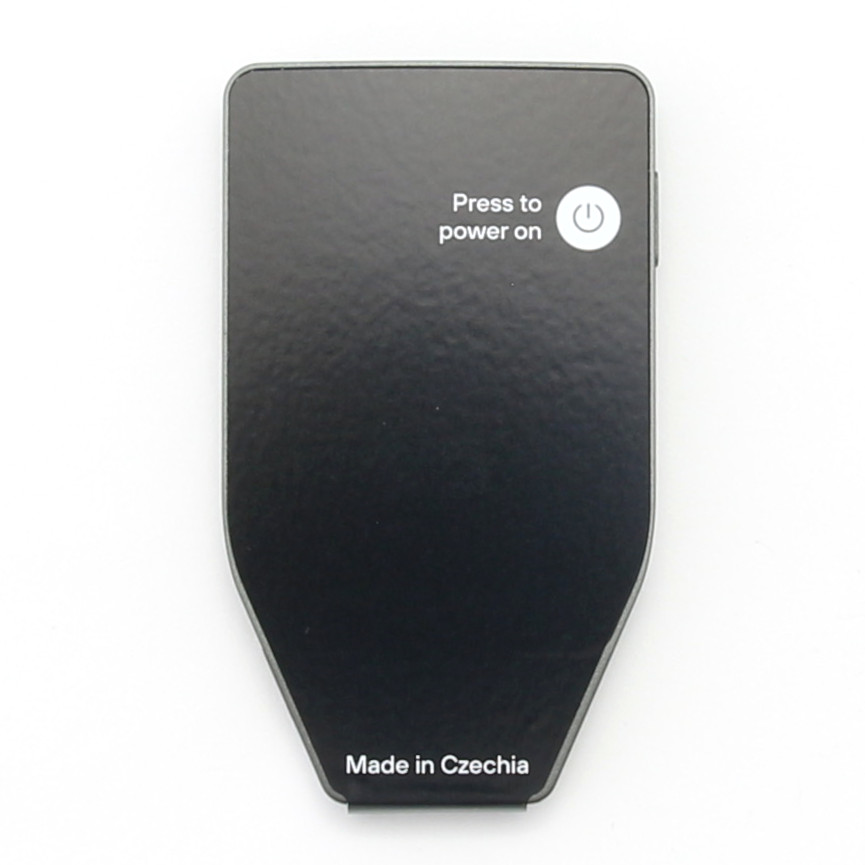
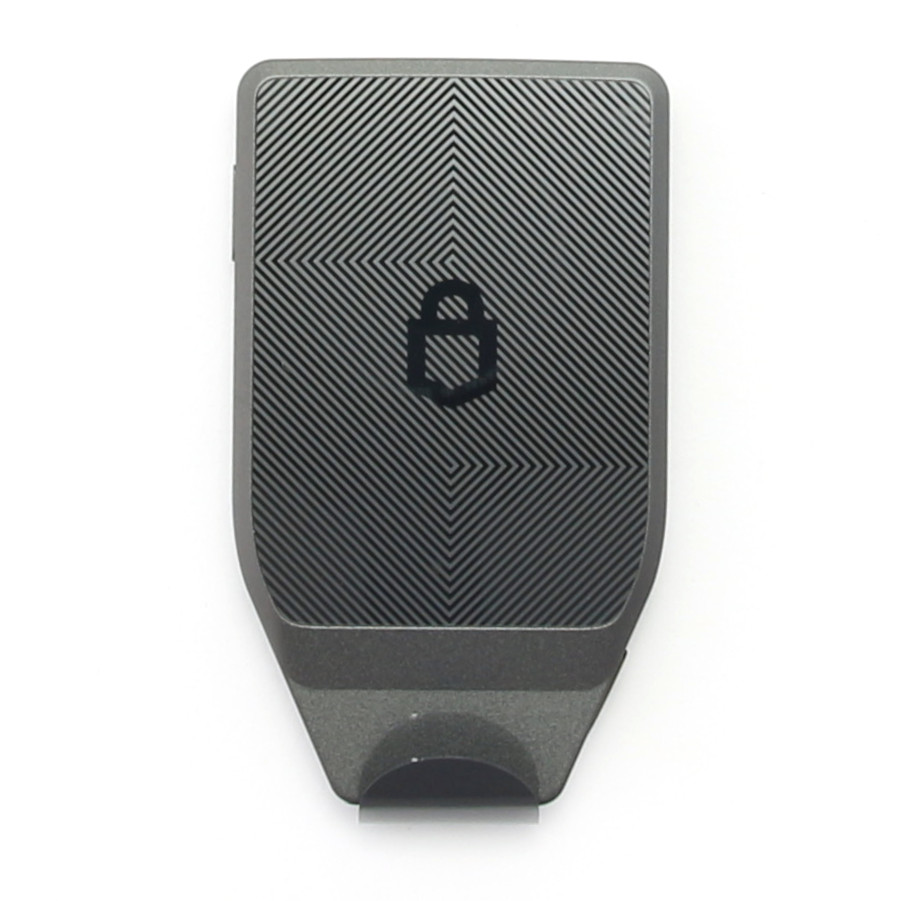
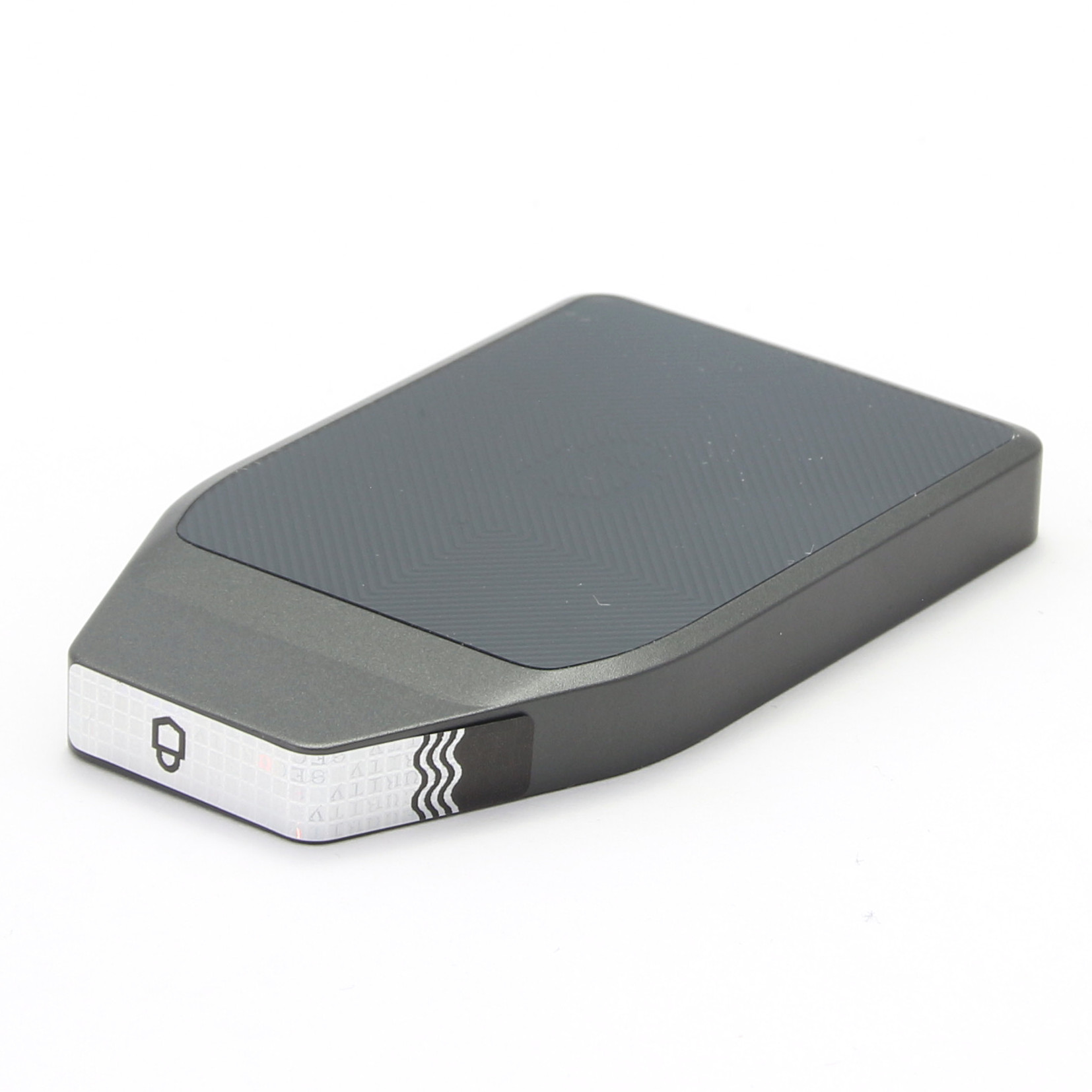
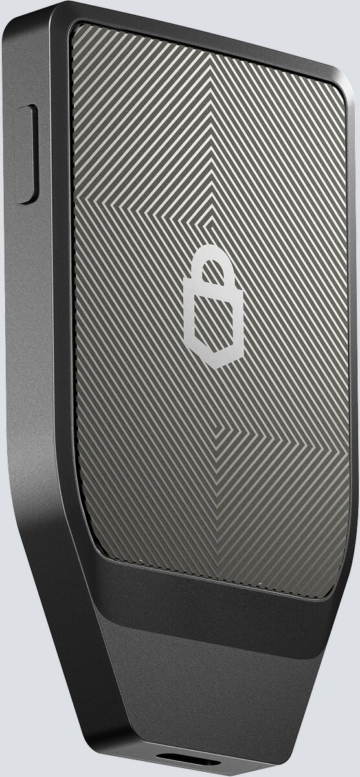
The Trezor Safe 7 feels really high quality in the hand. The housing consists of a unibody made of anodized aluminium milled from a single block. Trezor emphasizes that this production process, which is reminiscent of modern smartphones, was initially described by manufacturers as difficult or even impossible. This solid metal housing gives the device particular stability and durability. The device is also certified as dust and splash-proof in accordance with IP54.
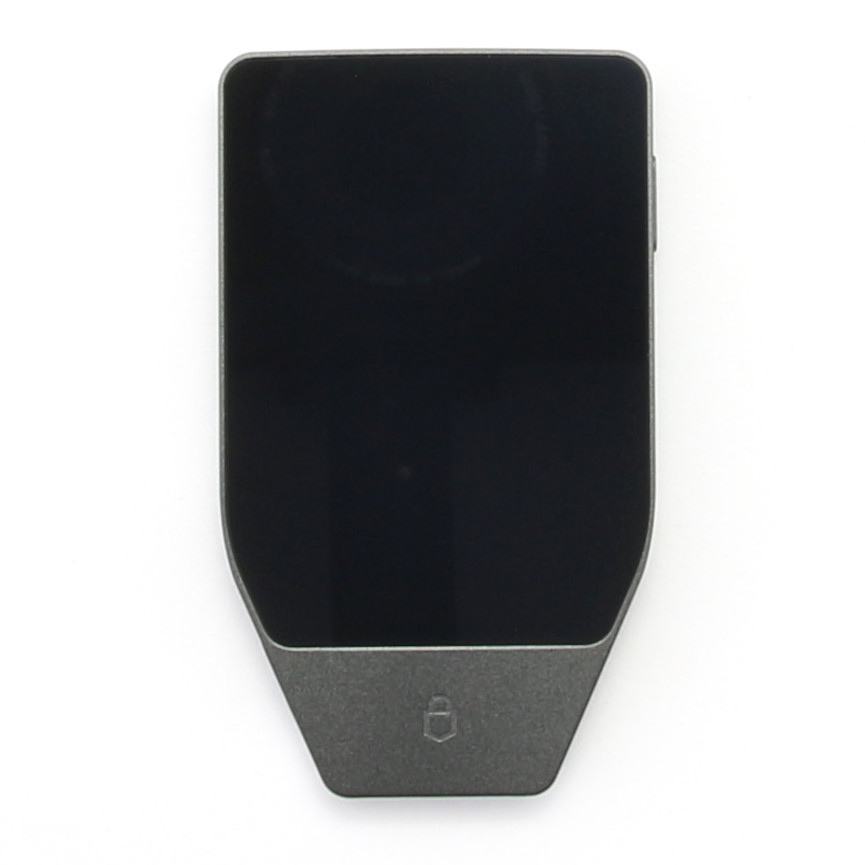
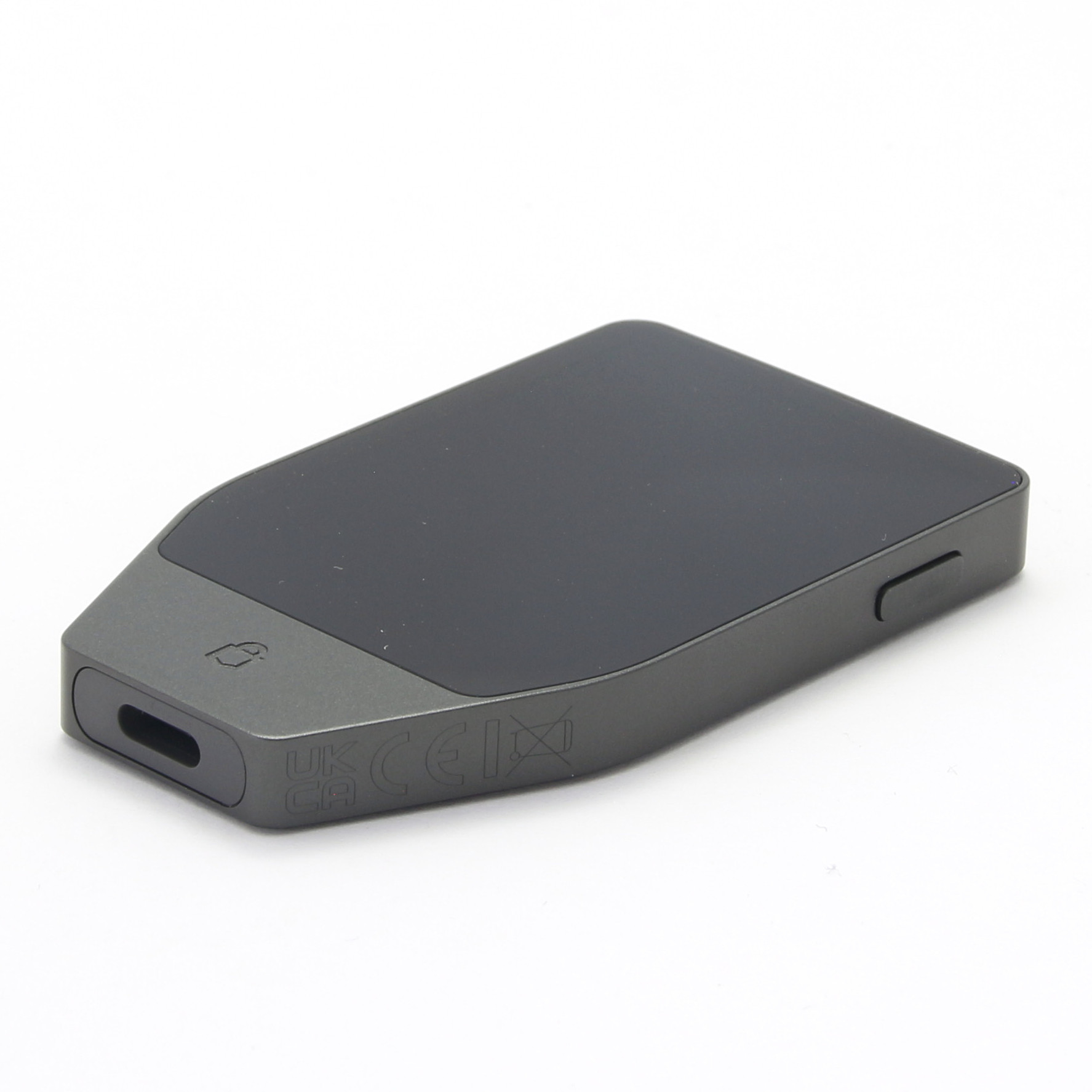
The design is completed with glass on the front and back. The front is almost entirely taken up by a large, 2.5-inch high-resolution color touchscreen, which is protected by robust Gorilla Glass 3. With 520 x 380 pixels, the display is razor-sharp and, with 62% more surface area, significantly larger than the display of the Safe 5. The back is made of reinforced glass, which has been coated using a complex NCVM (Non-Conductive Vacuum Metallization) process. This process, in which metal is vapor-deposited onto the glass in 14 layers, provides the necessary aesthetics while ensuring that wireless connections such as Bluetooth and wireless charging can work, as aluminum would block the signals.
A decisive difference: battery and durability
A significant difference to the previous models and also to the Safe 5 is the integrated battery and wireless functionality. The Trezor Safe 7 uses a lithium iron phosphate battery (LiFePO4). This battery technology is known to be more robust and durable than conventional lithium-ion batteries; Trezor claims four times the number of charging cycles and four times less self-discharge. The device is designed so that the battery can be fully discharged without being damaged, which is important for a long-term storage device. If the battery should fail over the years, the Trezor Safe 7 can still be operated without restriction via the USB-C cable. The dimensions of the device are 75.4 mm x 44.5 mm x 8.3 mm, with a weight of 45 grams.
Operation and visual feedback
The user experience benefits enormously from the haptic feedback: every interaction on the touchscreen is acknowledged by a tangible vibration, which feels very valuable and provides clear feedback. In addition, an LED on the top provides visual information on the charging status or to confirm actions. This attention to detail contributes significantly to the positive overall impression.
A noticeable difference
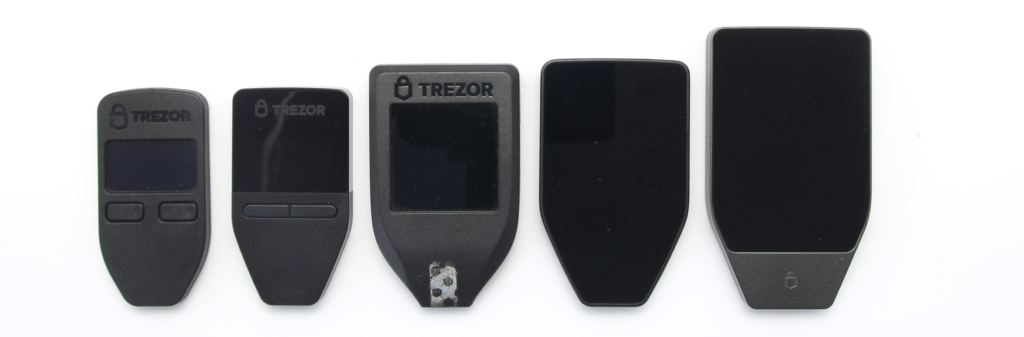
Anyone familiar with earlier Trezor models such as the Model One, Safe 3, Model T or Safe 5 (see picture above, from left to right) will immediately notice the qualitative leap. While its predecessors relied primarily on plastic, the Safe 7’s aluminum housing and glass surfaces take the material feel and build quality to a whole new level.
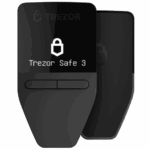 |
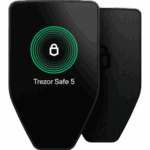 |
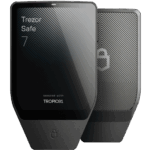 |
|
| Trezor Safe 3 | Trezor Safe 5 | Trezor Safe 7 | |
| Price | $79 | $169 | 249,00 € (click here to check the current price) |
| Display | 0.96″ monochrome OLED (without touch) | 1.54″ color touchscreen | 2.5″ high-resolution color touchscreen |
| Operation | Two buttons | Touch screen (haptic feedback) | Touch screen (haptic feedback) |
| Connectivity | USB-C | USB-C, microSD slot | USB-C, Bluetooth, wireless charging (Qi2) |
| Secure element | EAL6+ (NDA-free) | EAL6+ (NDA-free) | Dual: Tropic 01 (auditable) + EAL6+ |
| Battery | No | No | Yes (lithium iron phosphate) |
| Material | Plastic | Plastic, Gorilla Glass | Aluminum unibody, Gorilla Glass |
| Special features | microSD backup | Quantum-ready, IP54 | |
| zum Produkt | zum Produkt | zum Produkt |
Optional accessories
As a premium model, the Trezor Safe 7 is accompanied by a range of optional accessories. An essential accessory is the Qi2-compatible Magnetic Wireless Charger, which enables wireless charging with magnetic alignment. This charger was often offered as a free gift with pre-orders at launch.
There are also cases, including a customized case for the Trezor Safe 7 and the Trezor Universal Case, which is made of vegan leather and is suitable for all Trezor models. For users who value discretion, a privacy screen protector is offered that limits the viewing angle to 28°. Metal storage solutions such as Trezor Keep Metal for 20-word backups are also compatible with the Safe 7, which is useful for long-term archiving of your recovery words. Please note that ordering accessories in the pre-order phase can lead to delays in delivery.
Personal conclusion on the first impression
The Trezor Safe 7 sets new standards in the hardware wallet market in terms of design, material quality and unboxing experience. From the very first moment, the device feels like a real premium product, which is otherwise only known from modern high-end smartphones. The first impression is consistently very good.
Setting up the Trezor Safe 7
Never use a hardware wallet that is already set up. You must choose your own PIN code or password and do the backup yourself. This is not given by anyone!
The Trezor Safe 7 setup process is carried out via the Trezor Suite software, which you can use either on your desktop computer or via the mobile app on your smartphone (Android or iOS). This is the first Trezor device that can be set up completely wirelessly and without a desktop connection thanks to Bluetooth and a rechargeable battery, which is a great relief for iPhone users in particular.
Connection and authenticity check
First you need to connect the device to your end device. This can be done either traditionally via USB-C cable or, and this is the new feature, wirelessly via Bluetooth 5.0+. During Bluetooth pairing, a code is displayed on the Trezor display as well as in the Trezor Suite, which you must confirm for verification. After a successful connection, Trezor Suite performs a device security check, including a Secure Element authenticity check, which cryptographically confirms that the device is genuine and has not been tampered with. As the device is delivered without pre-installed firmware for security reasons, the suite will then instruct you to install the latest firmware version. Here you have the choice between the standard firmware (for all supported cryptocurrencies) or the Bitcoin-only firmware.
Creating and securing your wallet
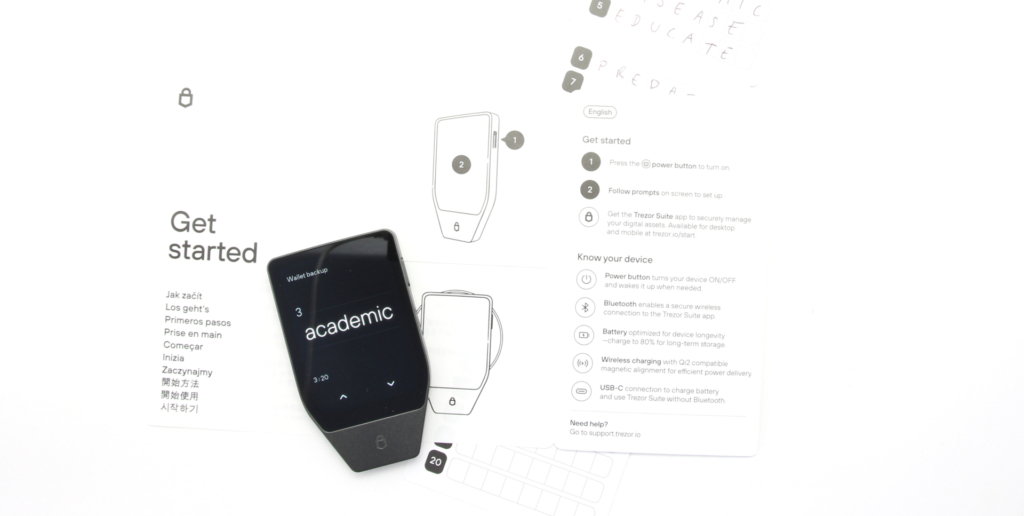
After installing the firmware, you can start creating your new wallet. By default, the Trezor Suite recommends the single-share backup with 20 words, which is based on the SLIP39 standard. However, you also have the option of selecting multi-share backups (Shamir Secret Sharing, SLIP39) or the older BIP-39 standard, although the latter is somewhat hidden in the mobile app. In the next step, your recovery seed will be displayed.
Your Recovery Seed is the backup key to all your cryptocurrencies and apps. The Recovery Seed (backup) can only be viewed once. Never make a digital copy of the Recovery Seed and never upload it online. Keep the Recovery Seed in a safe place, ideally also safe from fire and water. Special backup products, for example Billfodl are suitable for this.
No one but yourself can be held liable for any financial losses caused by improper handling of sensitive data.
The 20 words are written down word by word directly on the Trezor display, giving you the opportunity to check the order and spelling. To ensure your security, never enter the recovery passwords on a computer or in a digital form.
PIN protection and asset activation
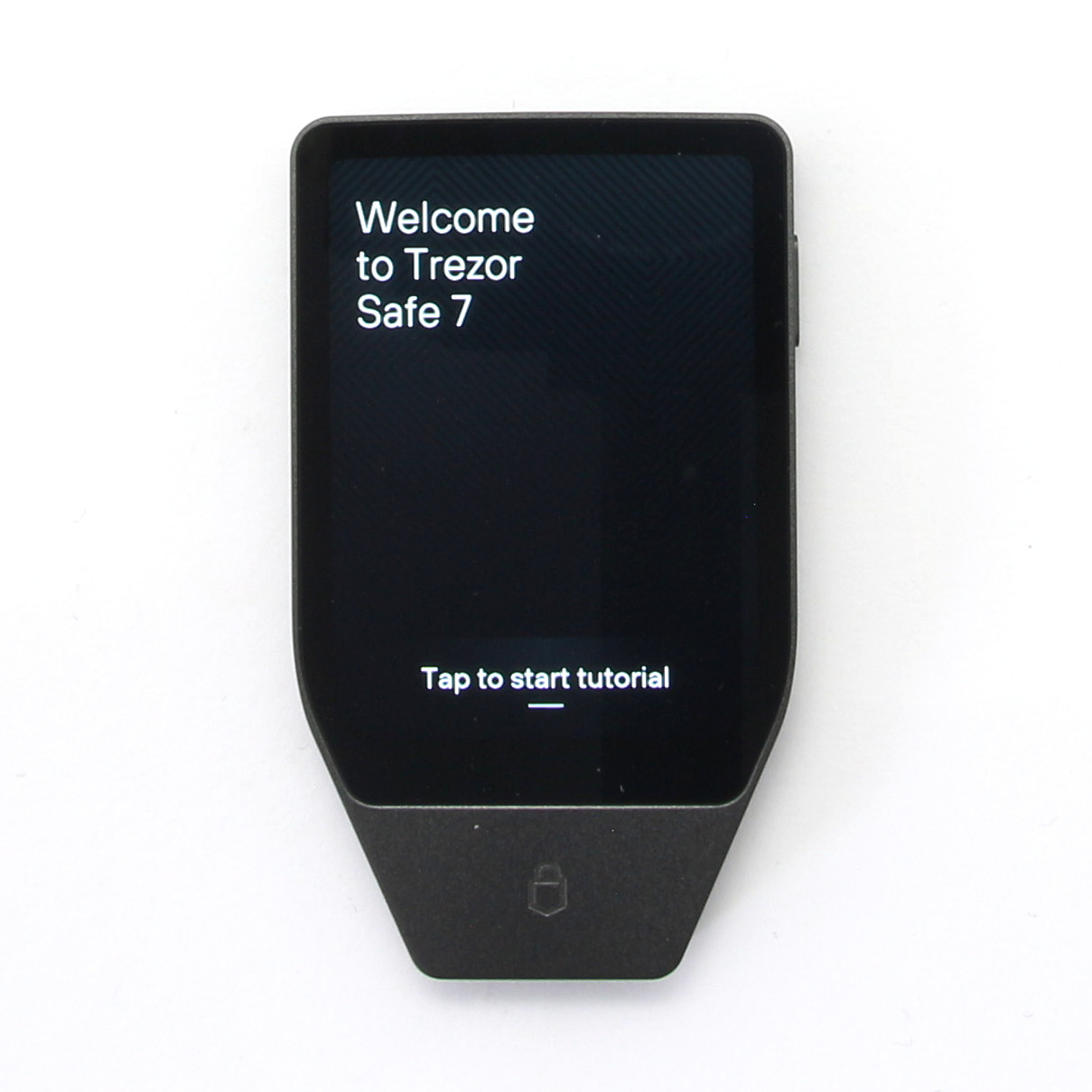
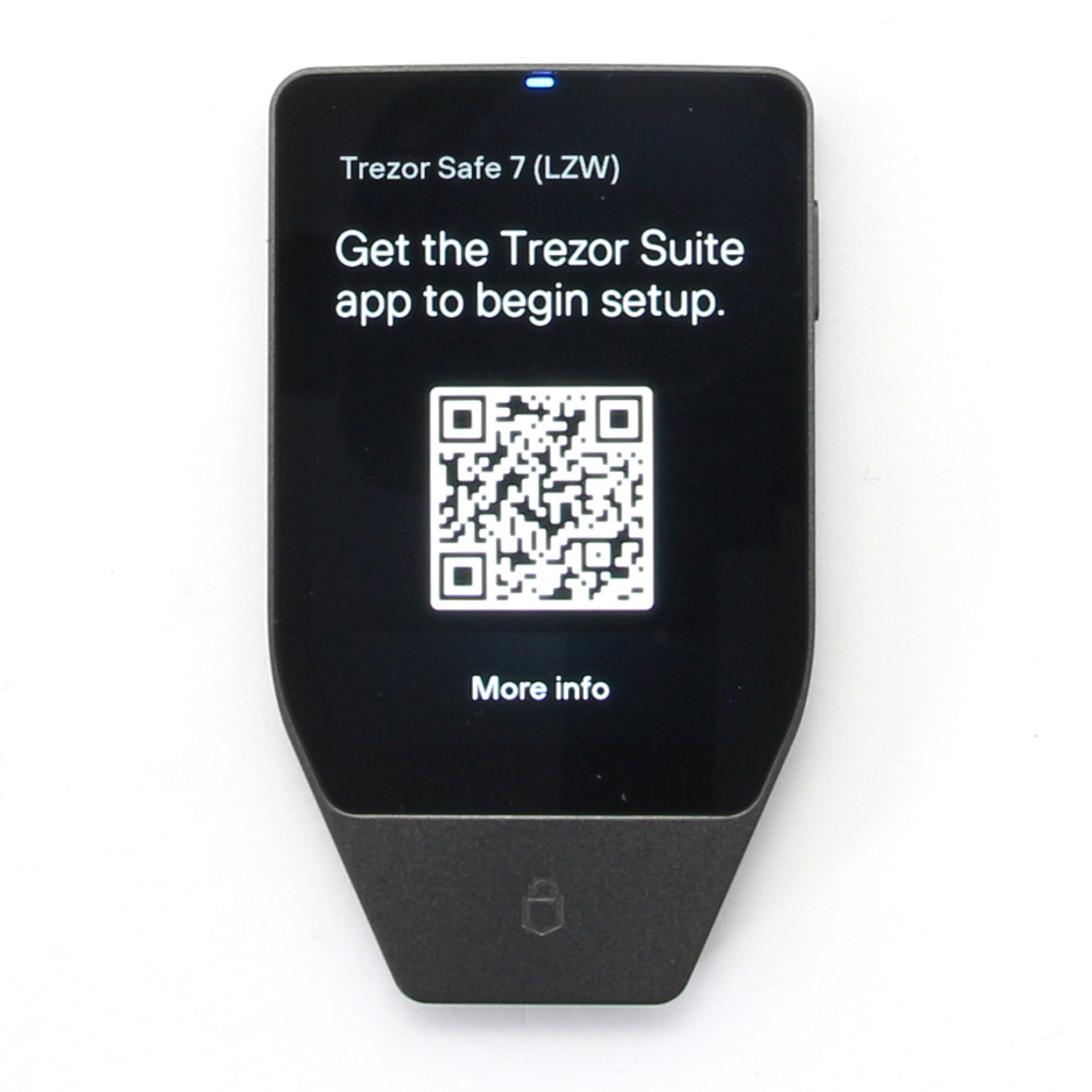
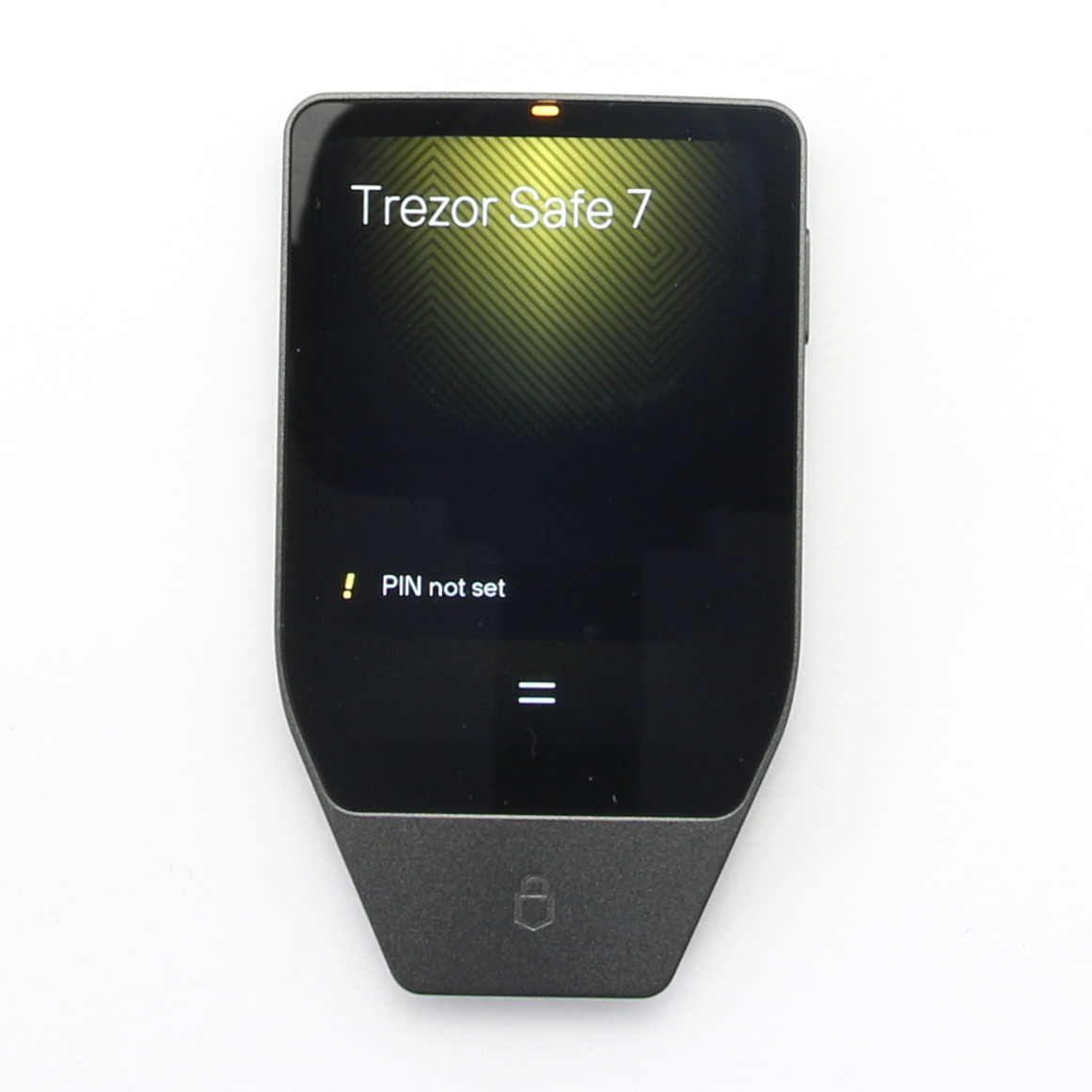
You will then be asked to set a PIN. You can choose a PIN between 4 and 50 digits, whereby simple sequences should be avoided. After ten incorrect input attempts, the wallet automatically deletes itself from the device, which is an important security feature. PIN protection is enforced on the hardware side by the dual-secure element architecture, which makes brute force attacks physically impossible.
The last step of the setup is to select the cryptocurrencies you want to manage in the Trezor Suite. By default, only Bitcoin is activated, but you can add or remove other assets at any time without affecting your wallet.
Personal conclusion on the furnishings
The set-up process is very user-friendly thanks to the clear instructions in the Trezor Suite and the large display. The new wireless option via Bluetooth simplifies the process considerably, especially for mobile users. The option of having a Trezor Expert accompany the setup is a great offer for absolute beginners. I very much welcome the hardware enforcement of PIN protection as this is a significant security upgrade. There is a slight preference for SLIP-39 over BIP-39, but the freedom of choice basically remains.
Handling the Trezor Safe 7 in everyday life
Everyday use of the Trezor Safe 7 has been taken to a new level thanks to the large touch display and the new wireless connectivity. Trezor’s declared aim is to make self-custody simpler and less intimidating.
Intuitive touchscreen for Trezor Safe 7
The 2.5-inch color display is bright and razor-sharp, which greatly improves the readability of addresses and transaction details. Especially for sensitive steps such as signing transactions, it is essential to be able to see all the details clearly. It is operated intuitively via the touchscreen. The haptic feedback is very precise and conveys a feeling of control and confirmation with every touch, even if I personally would have liked it to be a little stronger.
Sign transactions wirelessly: Convenience and security
The biggest innovation in handling is undoubtedly the completely wireless use via Bluetooth. This allows you to sign your transactions from the comfort of your couch or on the go with your smartphone or tablet without having to constantly fiddle with cables. This is particularly relevant for iPhone users who were previously denied a direct USB connection.
When signing transactions, Trezor Safe 7 displays all relevant details, which is known as clear signing. Thanks to the open source architecture, you can be sure that what you see on the display is exactly what you sign. The actual signature is created on the device and then encrypted and sent back to the Trezor Suite or the compatible third-party wallet so that the transaction can be transmitted to the network. The private keys do not leave the device at any time.
Trezor Suite Mobile: Almost full functionality
The Trezor Suite mobile app has been significantly upgraded for the Safe 7 and offers much of the desktop functionality, enabling mobile wallet management, trading and access to dApps. Although wireless charging via Qi2-compatible chargers is a nice convenience feature, it is of course still possible to use the supplied USB-C cable. If you are particularly safety-conscious, you can switch off the Bluetooth function completely in the menu at any time and only use the device wired.
Conclusion on handling
The Trezor Safe 7 is very pleasant and modern to use. The large display and haptic feedback are great improvements. Although I share the concerns about Bluetooth, the developers have found a good compromise between convenience and security with the additional encryption layer (THP) and the option to disable Bluetooth. The ability to sign transactions wirelessly and charge the device wirelessly makes the Safe 7 a real everyday companion that is no longer just a “HODLing vault”.
Compatibility with coins and platforms
Compatibility is a decisive factor for the acceptance of a hardware wallet in the diverse crypto landscape. The Trezor Safe 7 has been designed to ensure seamless integration into the wider crypto ecosystem.
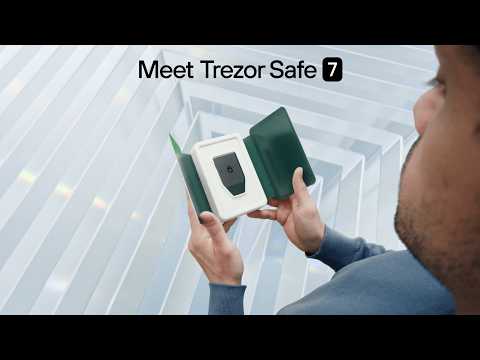
When you play this YouTube video, data is transmitted to Google.
The Trezor Safe 7 supports a wide range of cryptocurrencies and tokens. The device allows you to manage 9.000+ (to the complete list) coins and tokens, including the following:
- Bitcoin
- Ethereum
- Litecoin
- Dogecoin
- Dash
- Ripple
- Bitcoin Cash
- ERC-20 Tokens
- Stellar
- DigiByte
- Bitcoin Private
- Tron
- Akroma
- Cardano
- Solana
Supported platforms and operating systems for Trezor Safe 7
Thanks to Bluetooth connectivity and the USB-C interface, the Trezor Safe 7 is extremely flexible in terms of supported platforms. It can be connected to both desktop and mobile devices. The supported platforms are as follows:
Compatibility with iOS via Bluetooth is a key innovation that makes the Trezor Safe 7 attractive to Apple users.
Integration into the crypto ecosystem
The Safe 7 acts as a secure gateway to the crypto world via the Trezor Suite and Trezor Connect. The device is compatible with a variety of third-party wallets and decentralized applications (dApps). These include services and wallets such as:
- Electrum
- Mycelium
- MyEtherWallet
- Bitstamp
- bitwala
- SSH Agent
- FIDO/U2F
- OTP
- NFT
The integration of WalletConnect into the Trezor Suite gives you access to over 70,000 dApps, whereby your private keys always remain secure on the device and transactions must be confirmed on the Trusted Display. Trezor has actively sought to close the gap with competitors that already offer broad dApp support.
The platform and coin compatibility of the Trezor Safe 7 is excellent. Especially the seamless integration of iOS and the broad support for third-party wallets and DeFi platforms show that Trezor has developed the device for the active crypto user.
Documentation & support for Trezor Safe 7
A major advantage for users is that both the Trezor Safe 7 firmware and the Trezor Suite app can be completely converted to other languages. This makes operation considerably easier and helps to avoid misunderstandings in important safety-related steps.
If you encounter any problems during setup or use, you can contact the official Trezor support team via the Troubleshooter. Trezor emphasizes that employees would never contact you first or ask for your recovery seed, which is an important note to avoid scams. In addition, Trezor offers the possibility to book a personal 1:1 onboarding session with a Trezor expert to safely go through the setup of the device.
The complete localization of the software and firmware is a clear advantage that significantly increases accessibility and user-friendliness for the international market.
Safety: The core competence of the Trezor Safe 7
With a hardware wallet, security is the all-important criterion. This is precisely where the Trezor Safe 7 aims to score points with several industry firsts based on the philosophy of radical transparency.
Two Secure Elements for double protection
The Safe 7 has a so-called dual-chip architecture. It combines the tried-and-tested, NDA-free Optiga Trust M V3 secure chip, which is also used in the Safe 3 and Safe 5 models, with the completely newly developed TROPIC01 chip. The decisive advantage of this architecture is that a potential attacker would have to overcome the security mechanisms of two different chips from two different manufacturers. This significantly increases the hurdle for physical attacks and increases the overall security of the device.
TROPIC01: The first transparent secure chip
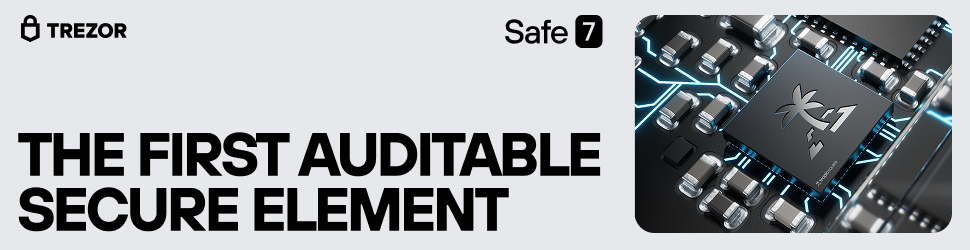
The heart of the new security architecture is the TROPIC01. TROPIC stands for “Truly Open Integrated Circuit” and is the world’s first secure chip with a completely open design – a paradigm shift in the industry. This radical transparency makes it possible for the design to be reviewed and tested for vulnerabilities by independent security experts worldwide – a process that is made impossible by non-disclosure agreements (NDAs) with competitors. The point is not to demand trust, but to earn it through verifiability.
In Safe 7, the TROPIC01 performs three core tasks:
- Enforced PIN check on the hardware side: It ensures that the PIN lock cannot be circumvented by a software hack. The number of PIN attempts is physically limited, which makes brute force attacks (the systematic trying of PINs) physically impossible.
- Authenticity check of the device: The chip stores cryptographic certificates that confirm that your Trezor is genuine and has not been tampered with during setup.
- Secure randomness: It provides a source of high-quality, unpredictable random numbers, which is crucial for creating your wallet and private keys.
Prepared for the future: Quantum Ready?
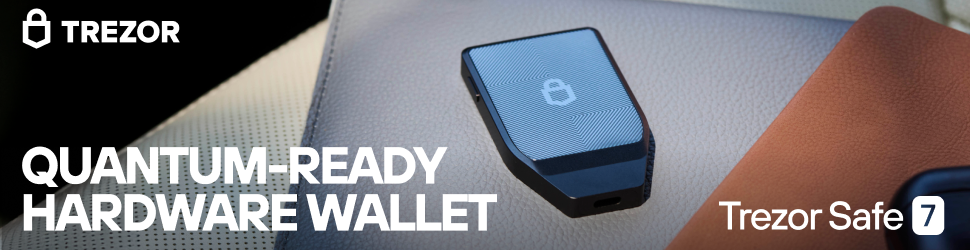
Trezor advertises the Safe 7 as “Quantum Ready”, a term that can easily be misunderstood. This does not mean that your coins on the wallet are already protected from attacks by quantum computers; this security depends on the further development of the respective blockchain itself. Instead, “Quantum Ready” refers to the future-proof architecture of the bootloader, i.e. the initial start-up software of the device. This is already secured with post-quantum algorithms. This enables the device to continue receiving secure firmware updates even in the distant future, when quantum computers pose a real threat. This is a forward-looking step, but not a decisive safety feature at the present time.
Secure wireless freedom thanks to Trezor Host Protocol
Trezor has developed the “Trezor Host Protocol” (THP) to secure the Bluetooth connection. This protocol adds an additional end-to-end encrypted layer on top of standard Bluetooth communication. This ensures that the data between your wallet and your smartphone or computer remains private and protected. There is a simple solution for users who still have concerns or want to do without wireless functions: the Bluetooth function can be completely deactivated in the settings at any time. Like its predecessors, the device can then only be used with a USB-C cable.
Conclusion on safety
The Trezor Safe 7 sets a new standard in the industry with its multi-layered, transparent and future-oriented security architecture. The open and auditable TROPIC01 chip in particular is a pioneering innovation that strengthens confidence in the hardware. Based on this concept, the Trezor Safe 7 can be considered one of the most secure hardware wallets on the market.
Overall conclusion: For whom is the Trezor Safe 7 worthwhile?
The Trezor Safe 7 is without doubt an outstanding hardware wallet. It combines outstanding security with first-class build quality and excellent mobile user-friendliness. The strengths are obvious, but there are also points of criticism that need to be weighed up: the permanently installed battery is a potential wear part – even if it is a long-lasting LFP battery and the device continues to work via cable even if the battery is defective. Added to this is the high price, which clearly positions the device in the premium segment.
So for whom is the surcharge worthwhile? The purchase decision can be broken down into three central aspects:
- Mobile use: If you want to use your wallet primarily, conveniently and wirelessly with a smartphone – especially with an iPhone – the Safe 7 is the ideal choice and closes the gap to competitors such as the BitBox02 Nova.
- Ease of use: If you appreciate a large, clear display for better readability and easy input, the Safe 7 offers a noticeable advantage over smaller devices.
- Design and feel: If you value a premium finish made of aluminum and glass, you will love the Safe 7. While the Ledger Stax, which at €399 plays in an even higher price league, also focuses on a premium feel, the Safe 7 counters with its radical transparency thanks to the TROPIC01 chip – a decisive differentiating feature for security-conscious users.
If you attach great importance to one or more of these points, the Trezor Safe 7 is the right choice for you. For users who can do without wireless functions and the premium design, the cheaper models Trezor Safe 5 and especially the Trezor Safe 3 are still very safe and cheaper alternatives. At the end of the day, the Safe 7 offers an excellent overall package for anyone looking for the best in terms of security, quality and convenience.
Product Specifications
| Advantages | |
| Disadvantages | |
| Compatibility | Electrum, Mycelium, MyEtherWallet, Bitstamp, bitwala, SSH Agent, FIDO/U2F, OTP, NFT |
| Cryptocurrencies | Bitcoin, Ethereum, Litecoin, Dogecoin, Dash, Ripple, Bitcoin Cash, ERC-20 Tokens, Stellar, DigiByte, Bitcoin Private, Tron, Akroma, Cardano, Solana |
| Package Contents |
|
| Brand | Trezor |
| Platform | Windows, Mac, Android, iOS |
| Altcoin Support | |
| Supported Coins | 9.000+ (to the complete list) |
| Open Source | |
| Secure Element | |
| Display as 2FA | |
| Interfaces | USB, Bluetooth, Qi2 |
| Input Options | Touchscreen |
| Weight | 45g |
| Size | 75.4x44.5x8.3mm |
User Reviews 0
No reviews yet
FAQ 5
Ask your own question