



Ledger Nano Gen5 Review 2026
The Ledger Nano Gen5 was presented at the in-house Ledger Op3n event in Paris on October 23, 2025 and marks the launch of the fifth generation of the Ledger Nano device series. With a non-binding retail price of 179,00 $ (click here to check the current price), this device brings Ledger touchscreen technology to a lower price segment for the first time. The Nano Gen5 is positioned as the most accessible and effortless touchscreen hardware wallet in Ledger’s product range. Find out everything you need to know about the new hardware wallet in this test report
First impression of the Ledger Nano Gen5
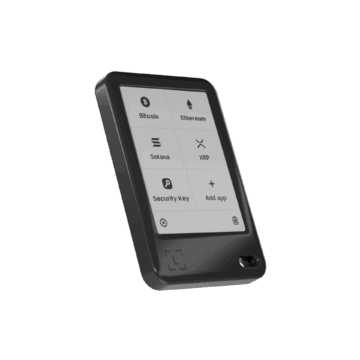
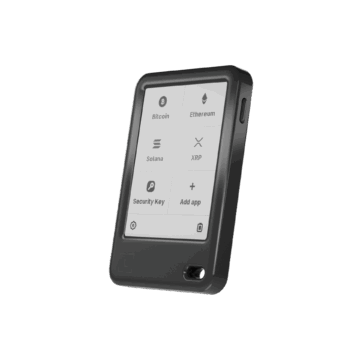
The first encounter with the Ledger Nano Gen5 is characterized by the new design line that Ledger has introduced with the touchscreen models. At first glance, the device is slimmer and more modern, in stark contrast to the older models with their tiny screens and mechanical buttons.
Buy the hardware wallet online
If you are interested in the Ledger Nano Gen5, you will find that it is positioned as the most accessible touchscreen model in the range. The Ledger Nano Gen5 is priced at 179,00 $ (click here to check the current price). It is advisable to check if you qualify for the official upgrade program before purchasing, as former users of older models often receive a discount.
Caution is advised when purchasing such a security device. Even if it seems more convenient to order on the open market, it is essential to order directly from the manufacturer for safety reasons.
Hardware Wallets should preferably be ordered directly from the manufacturer or official resellers if possible. Dubious stores or private sellers on platforms like ebay or amazon could manipulate the devices for their own purposes or trick the buyer. This way, the thieves can steal all the coins from your hardware wallet at a later time. Unfortunately, there have already been such cases in the past.
The purchase process itself may require some patience, depending on the location. In the USA, for example, the Nano Gen5 was initially only available for pre-sale as it was still awaiting FCC certification, which could delay delivery times.
What’s in the box?
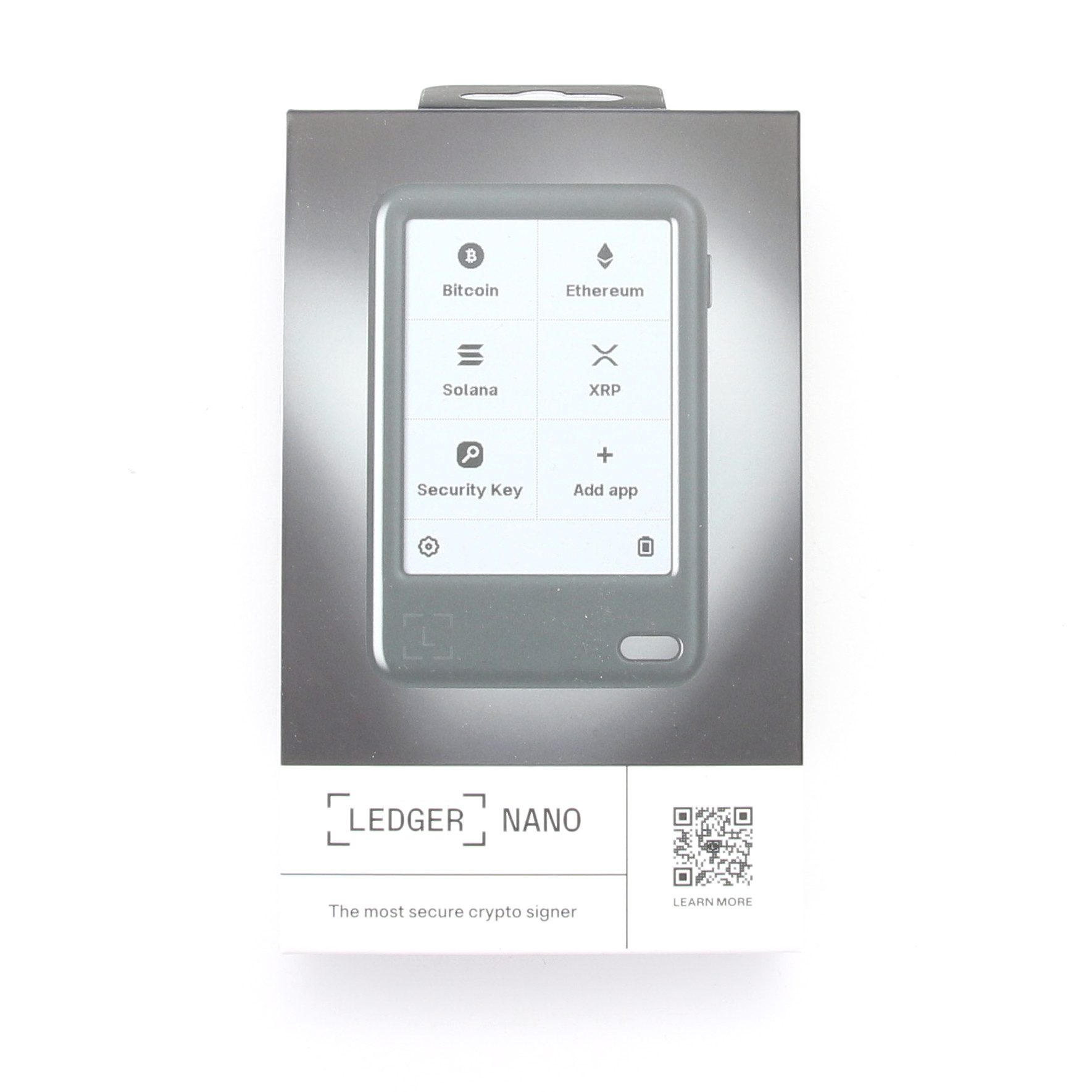
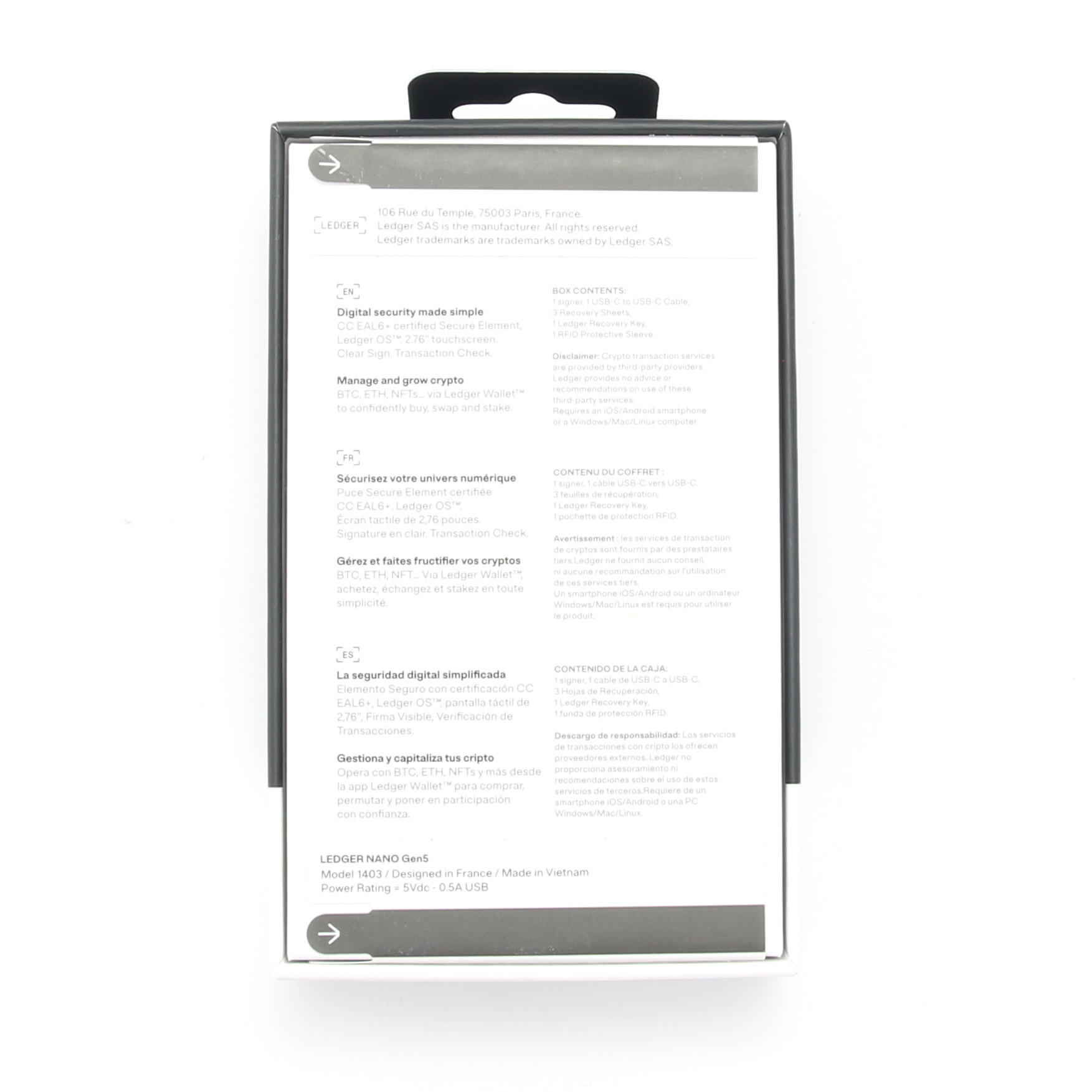
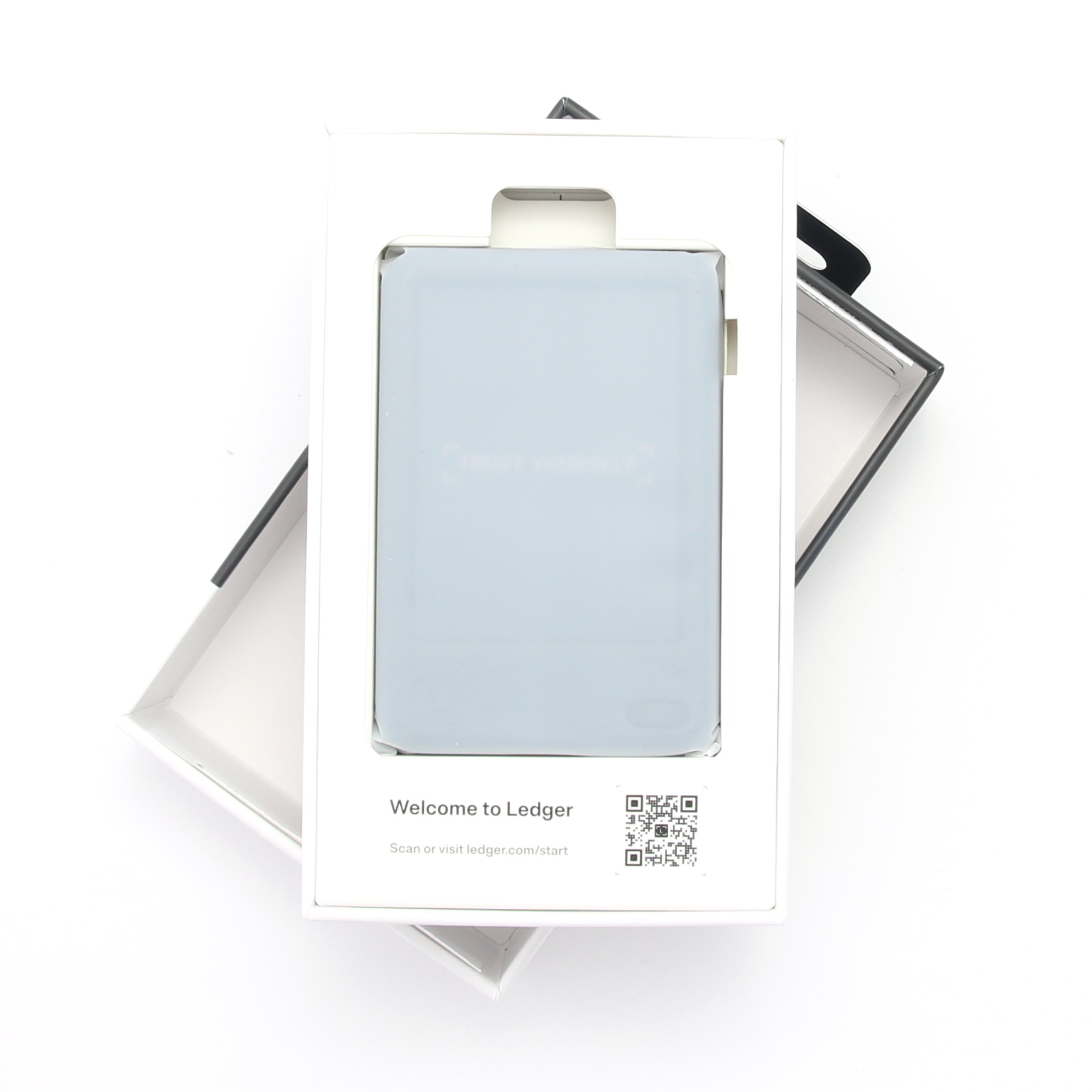
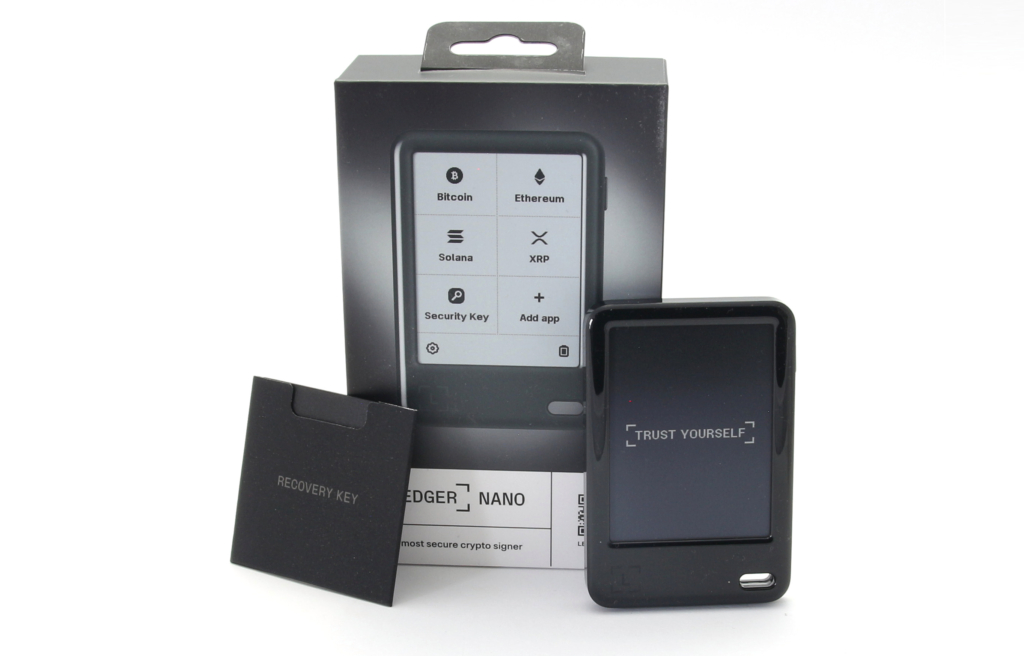
The packaging design looks tidy and of high quality. The unboxing provides you with everything you need to start managing your assets securely straight away. In addition to the Ledger Nano Gen5 itself, a small quick start guide with the most important safety instructions is included.
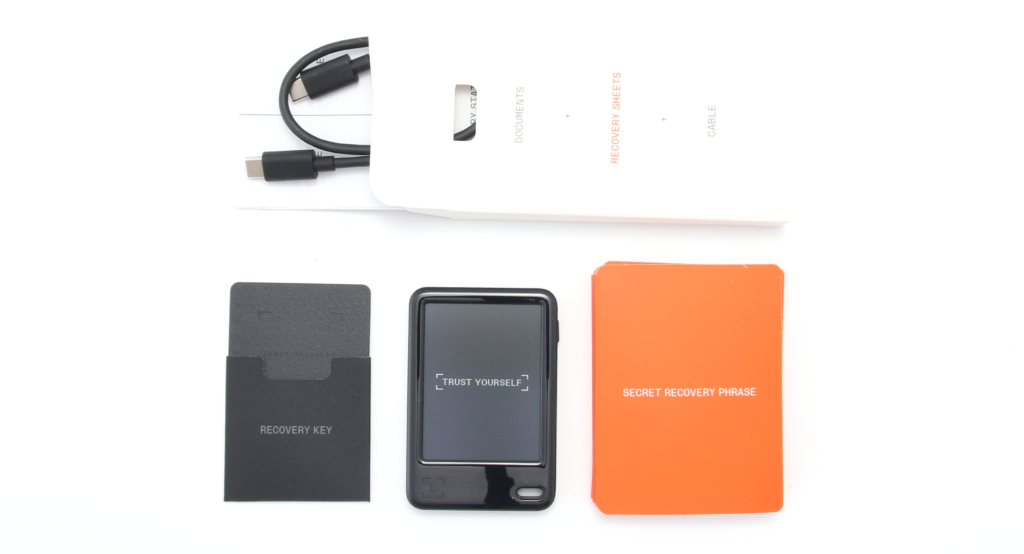
An important new element is the Ledger Recovery Key. This is a small, PIN-protected backup card that acts as a digital backup and uses NFC technology to communicate with the device.
The obligatory USB-C cable is also included in the scope of delivery. Although this cable is ideal for laptops and Android smartphones, it may be a little short for desktop use. The content is rounded off by the classic Secret Recovery Phrase in the form of three recovery sheets on which you write down your 24 words.
Details on the Ledger Nano Gen5 hardware wallet
The Nano Gen5 is designed to offer the public the top security of Ledger touchscreen devices at an accessible price.
Technical structure and the E Ink display of the Ledger Nano Gen5
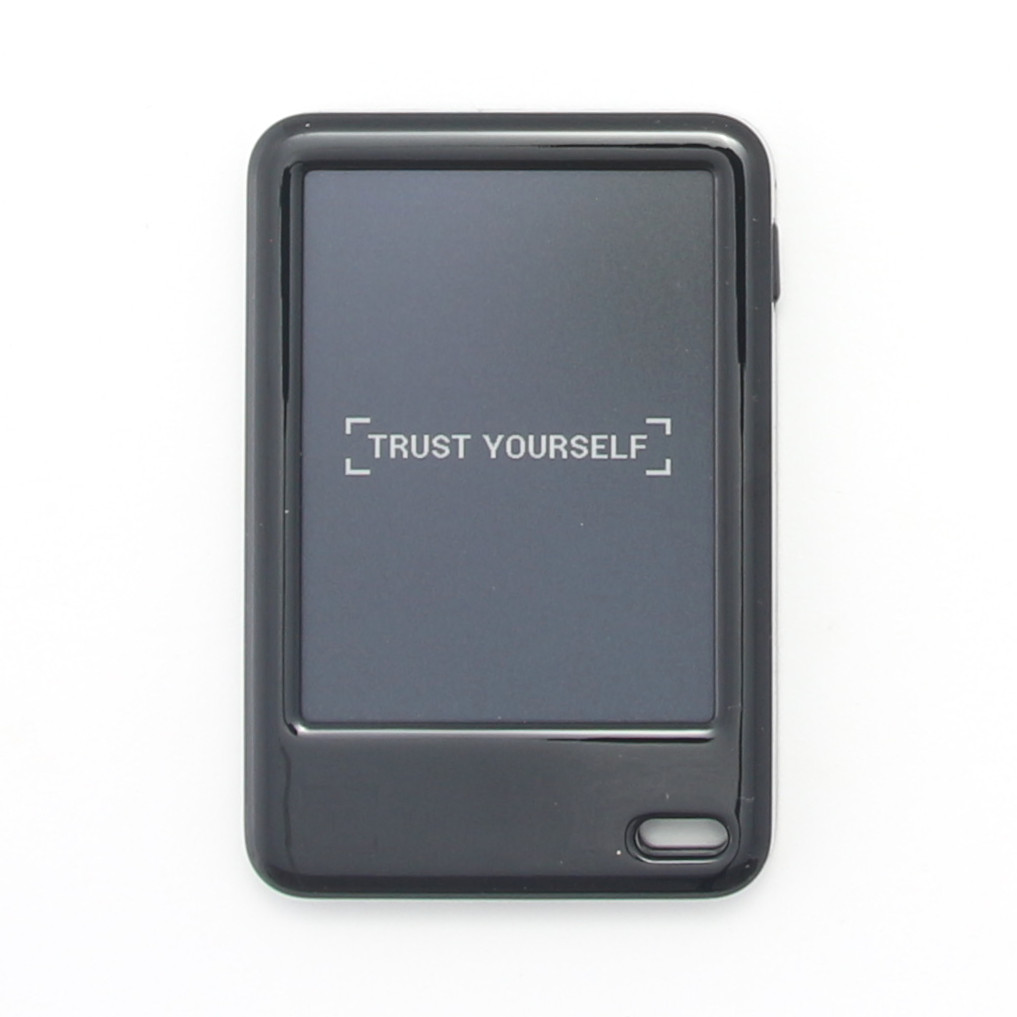
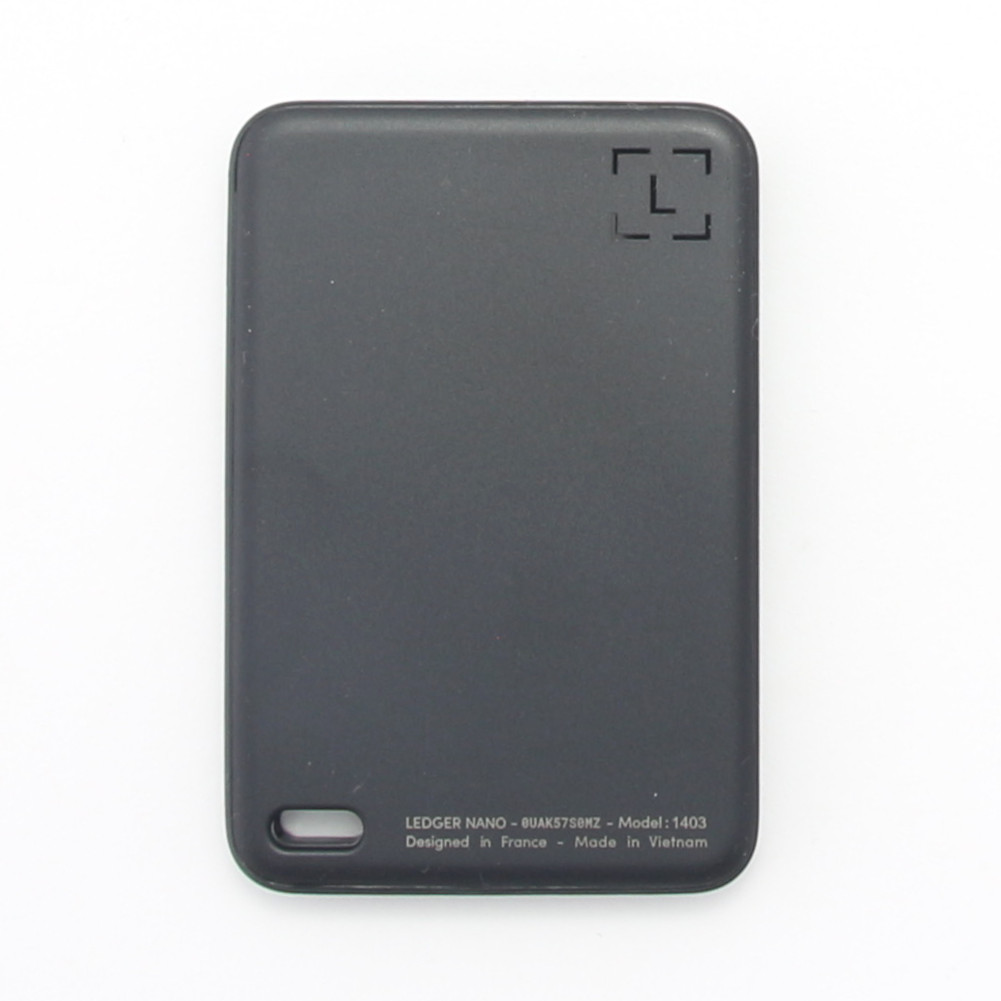
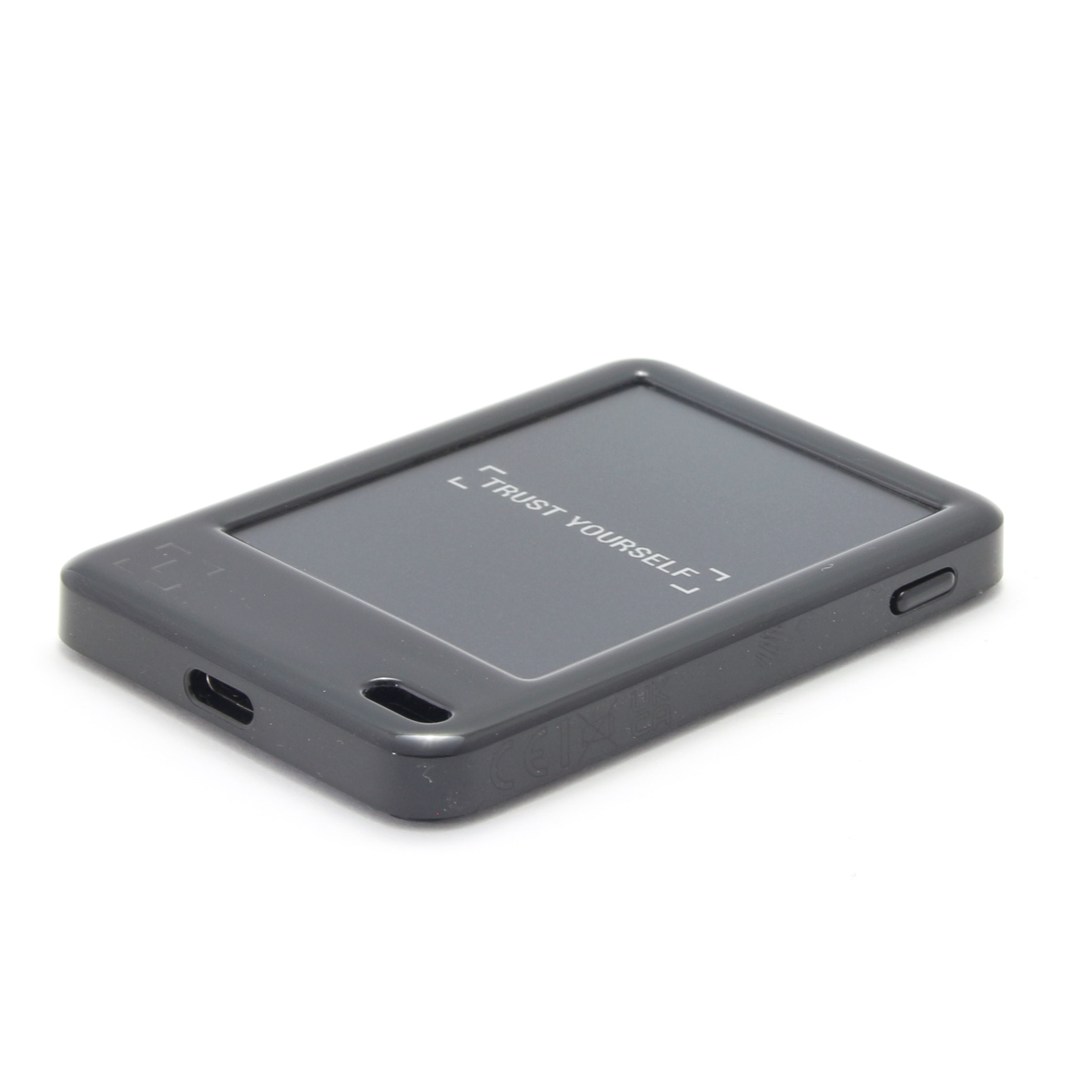
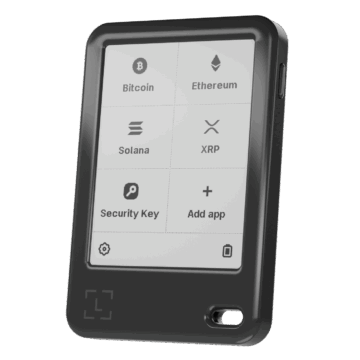
The device weighs just 46 grams and measures 79.40 mm × 53.35 mm × 8.64 mm. The rounded edges make it comfortable to hold. Unlike the premium Flex and Stax models, which use metal housings, the Nano Gen5 is made of robust plastic, which reduces costs and makes it lighter. It is available in black for the launch.
The display is a 2.8 inch (approx. 7 cm diagonal) E Ink touch display. In contrast to the high-resolution 16-greyscale displays of the more expensive models, the Gen5’s display is monochromatic, i.e. a pure black-and-white display with improved clarity. It offers a resolution of 300 x 400 pixels at 181 ppi. The display has an anti-reflective surface and is scratch-resistant, which should ensure legibility even in daylight.
Connectivity is comprehensive: there is a USB-C port, Bluetooth (BLE 5.2) and NFC capability. The battery life is specified as up to 10 hours and is therefore identical to the runtimes of the more expensive Flex and Stax touchscreen devices. Wireless (Qi) charging is not supported. The Gen5 also lacks the sound functions familiar from the premium models.
Differences to other Ledger hardware wallets
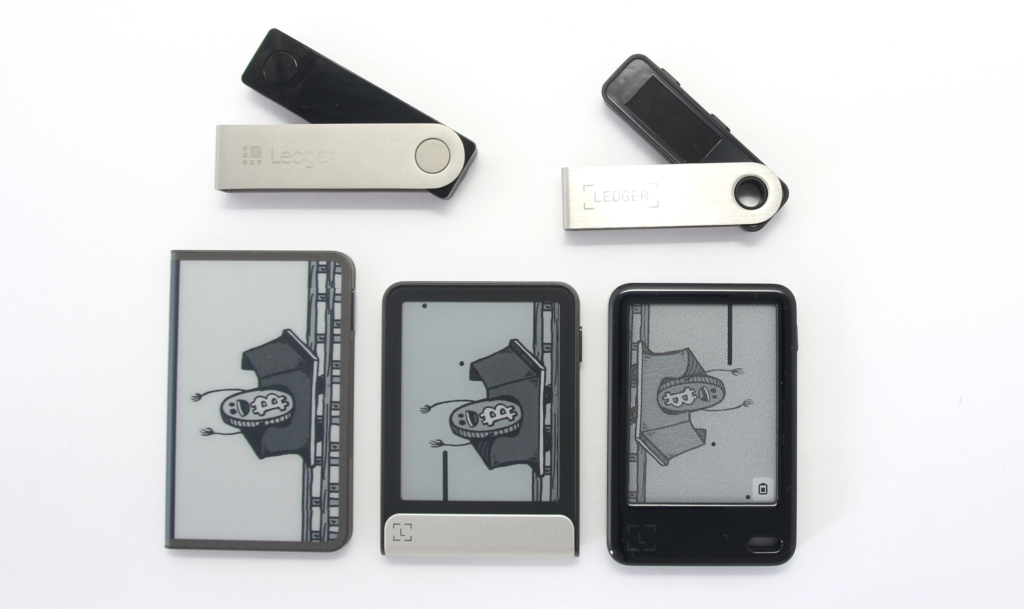
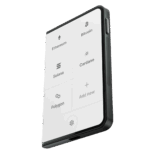
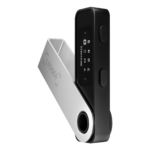
The Ledger Nano Gen5 fills the gap between the classic Nano models (S Plus/X) and the premium devices (Flex/Stax). It adopts the touchscreen operation and longer battery life of the upper class, but uses a plastic frame instead of metal. While Flex and Stax often offer Gorilla Glass and 16 grayscale (or color) displays and use magnets for stacking or folio cases, the Gen5 is more pared down. The Gen5 has magnets primarily for attaching optional folio sleeves, but is not stackable like the Stax. The main strength of the Gen5 is that it offers the same high security level (CC EAL6+ Secure Element Chip) as the more expensive models at a significantly lower price.
 |
 |
 |
|
| Ledger Nano Gen5 | Ledger Stax | Ledger Nano S Plus | |
| Price | 179,00 $ (click here to check the current price) | $400 | More affordable option |
| Security | CC EAL6+ Secure Element Chip | CC EAL6+ Secure Element Chip | High level of security |
| Display type | 2.76″ Monochrome E Ink touchscreen | 3.7″ curved E Ink touchscreen, 16 grayscales | 1.1″ monochrome OLED |
| Display resolution | 300 x 400 px, “Enhanced Clarity” | 400 x 670 px, “Optimal Readability” | 128 x 32 px, “Compact View” |
| Housing/material | Completely plastic | Premium housing, magnet shell | Plastic/metal |
| Wireless charging | No | Yes (QI charging) | No |
| Special features | Exchangeable Susan Kare badges, Ledger Recovery Key included | Magnetic stacking, curved screen | Physical buttons, backup focus |
| Connectivity | USB-C, Bluetooth, NFC | USB-C, Bluetooth, NFC, Qi | USB-C |
| zum Produkt | to the product | to the product |
Accessories
With the Nano Gen5, Ledger has introduced the option of personalization, which is intended to turn the device from a pure security tool into an expression of one’s own personality.

The optionally available accessories focus on the so-called badges. These small, interchangeable badges are attached to the front and were created by designer Susan Kare, who also designed the first icons for Apple. You can purchase three-packs of these badges to personalize your device. The badges are made of aluminum and are available separately.
A magnetic folio is also available to protect the Nano Gen5. This tailor-made protective cover is made of durable nylon and soft microfiber. The built-in magnets ensure that the device is held securely in place.
Conclusion on the first impression
The Ledger Nano Gen5 is a successful combination of the premium features of the touchscreen series (such as the E Ink display and the 10-hour battery life) and the focus on accessibility and price. The absence of metal and Qi charging is a clear compromise, but it does reduce costs. You get a light, handy device that successfully masters the leap from button control to touchscreen.
Setting up the Ledger Nano Gen5
Setting up a hardware wallet is the first and most important step towards digital sovereignty. It is advisable to carry out this process calmly and not allow yourself to be distracted.
Never use a hardware wallet that is already set up. You must choose your own PIN code or password and do the backup yourself. This is not given by anyone!
After switching on the device for the first time, it quickly becomes clear that Ledger no longer refers to it as a hardware wallet, but as a digital signer, which emphasizes its focus on the active authorization of transactions. You start by entering your name and a PIN.
PIN, seed phrase and digital protection
The PIN serves as an immediate access lock and can be between four and eight digits long. Here you should choose a number that you can remember well. The Ledger Nano Gen5 is designed to automatically reset to factory settings after three incorrect PIN entries, keeping your private keys protected even if the device falls into the wrong hands.
If you are setting up the device again, select the “Set up as new” option. The device then generates your 24 recovery words, the so-called Secret Recovery Phrase. It is important to write these words in the correct order on the recovery sheets provided.
Your Recovery Seed is the backup key to all your cryptocurrencies and apps. The Recovery Seed (backup) can only be viewed once. Never make a digital copy of the Recovery Seed and never upload it online. Keep the Recovery Seed in a safe place, ideally also safe from fire and water. Special backup products, for example Billfodl are suitable for this.
No one but yourself can be held liable for any financial losses caused by improper handling of sensitive data.
This step takes about ten minutes because you have to write down the words carefully. You will then be asked to verify the phrase by selecting certain words from a selection and tapping them to make sure you have written them down correctly.
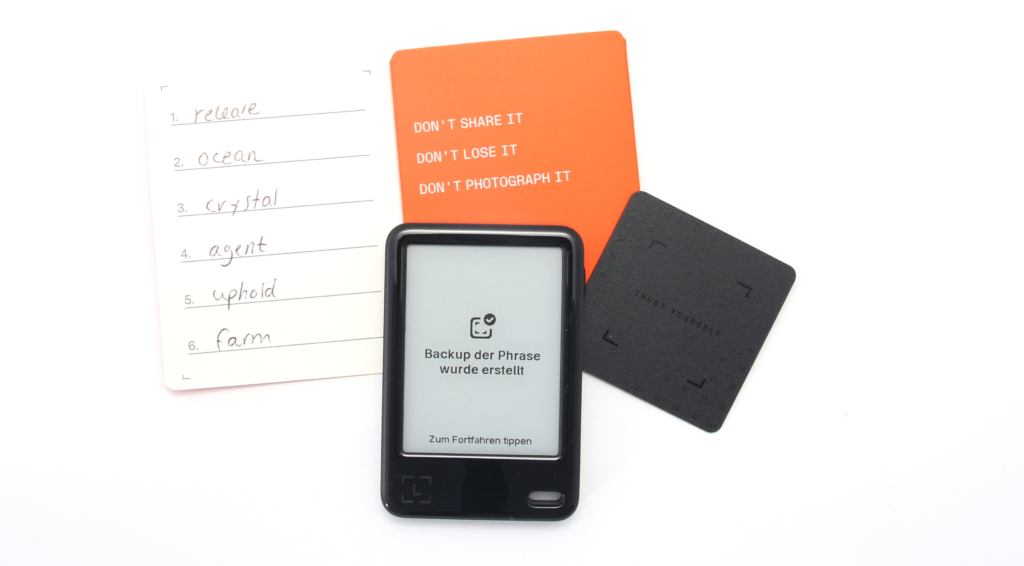
After the seed phrase has been saved, the Nano Gen5 offers the option of creating a digital backup with the Ledger Recovery Key. This card, which is included in the scope of delivery, is also PIN-protected and stores an encrypted version of your key using NFC technology. This serves as an additional, convenient recovery option should your written phrase be lost – however, it does not replace writing down the 24 words.
The last step of the initial configuration is the connection to the accompanying software, which is now called Ledger Wallet (formerly Ledger Live). A Genuine Check is carried out there to ensure that the device is authentic and tamper-free. Only then can you start managing your crypto accounts and install the required blockchain apps on the device.
Conclusion on the furnishings
The introduction of the touchscreen and the Ledger Wallet app makes the setup process more accessible and visual compared to the older button models. The steps are clearly laid out, and adding the optional Ledger Recovery Key as a digital backup provides some convenience without compromising core security.
Handling the Ledger Nano Gen5
Handling is the key point that distinguishes the Gen5 from its predecessors and brings it closer to the premium models. Operation is primarily via the touchscreen, which represents a significant leap in usability.
Operation via the E Ink touchscreen
The 2.8-inch touchscreen enables intuitive navigation by swiping and tapping. Anyone coming from an older Nano model will find the changeover a massive improvement, as the tedious pressing of small buttons is a thing of the past. The entire user interface looks cleaner and more visual.
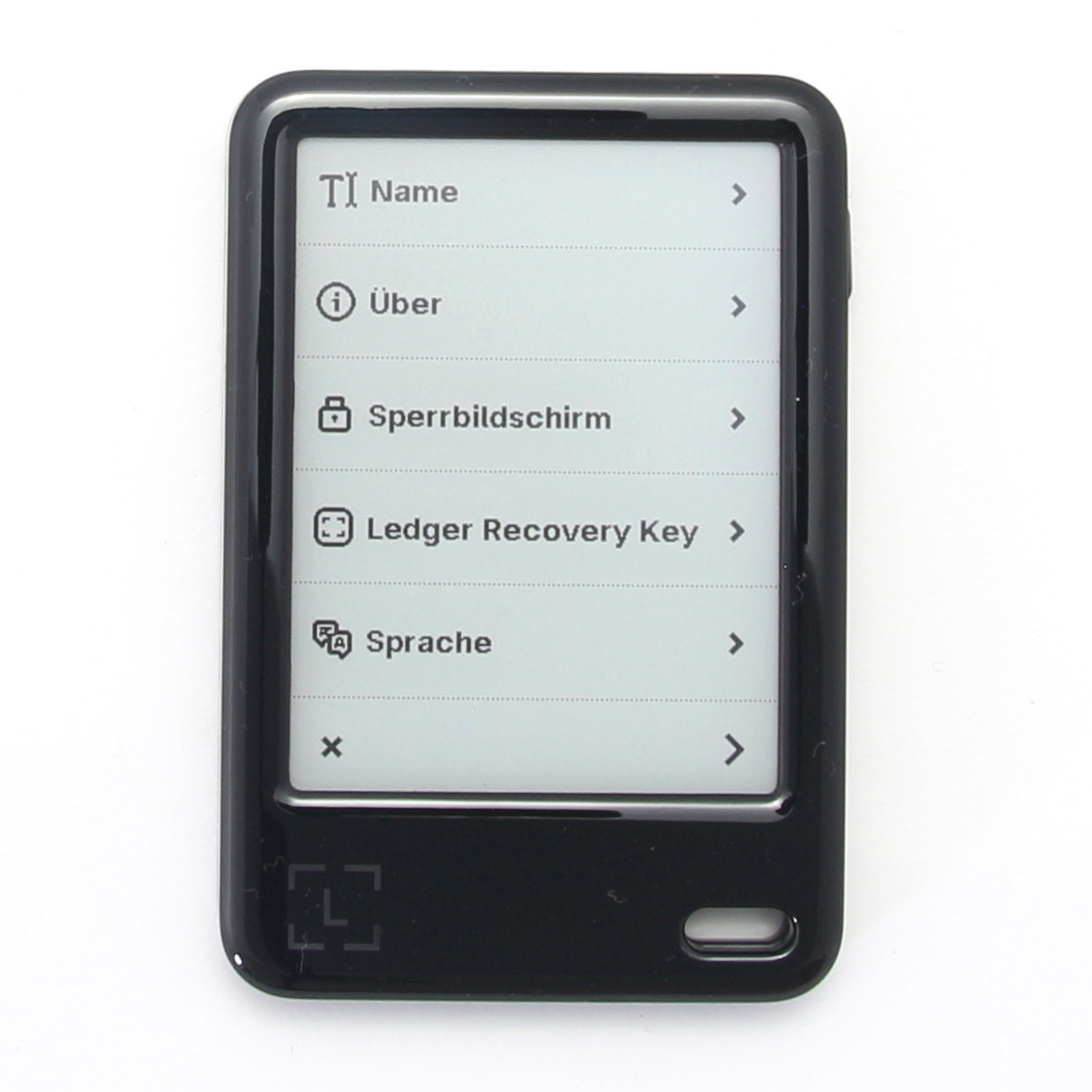
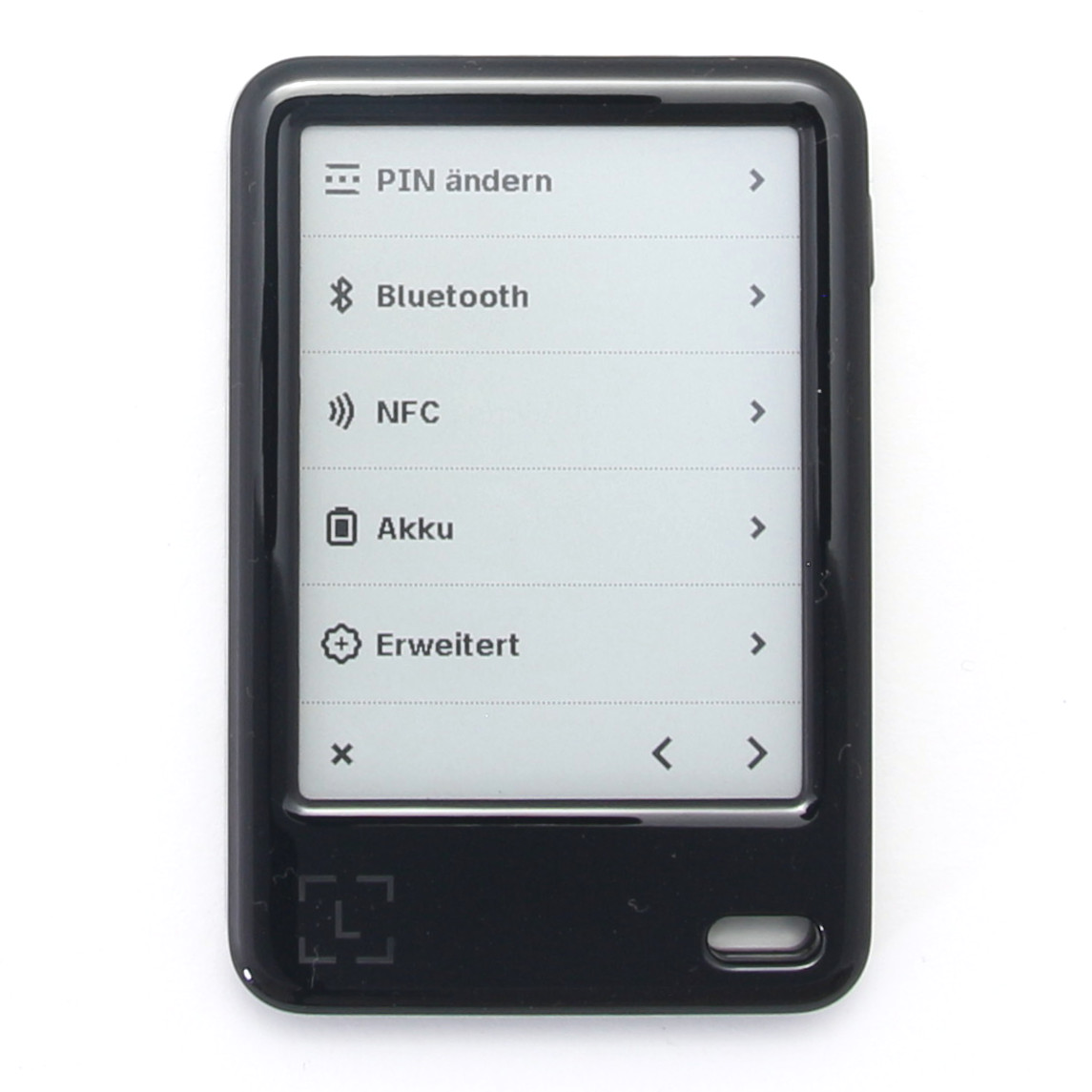
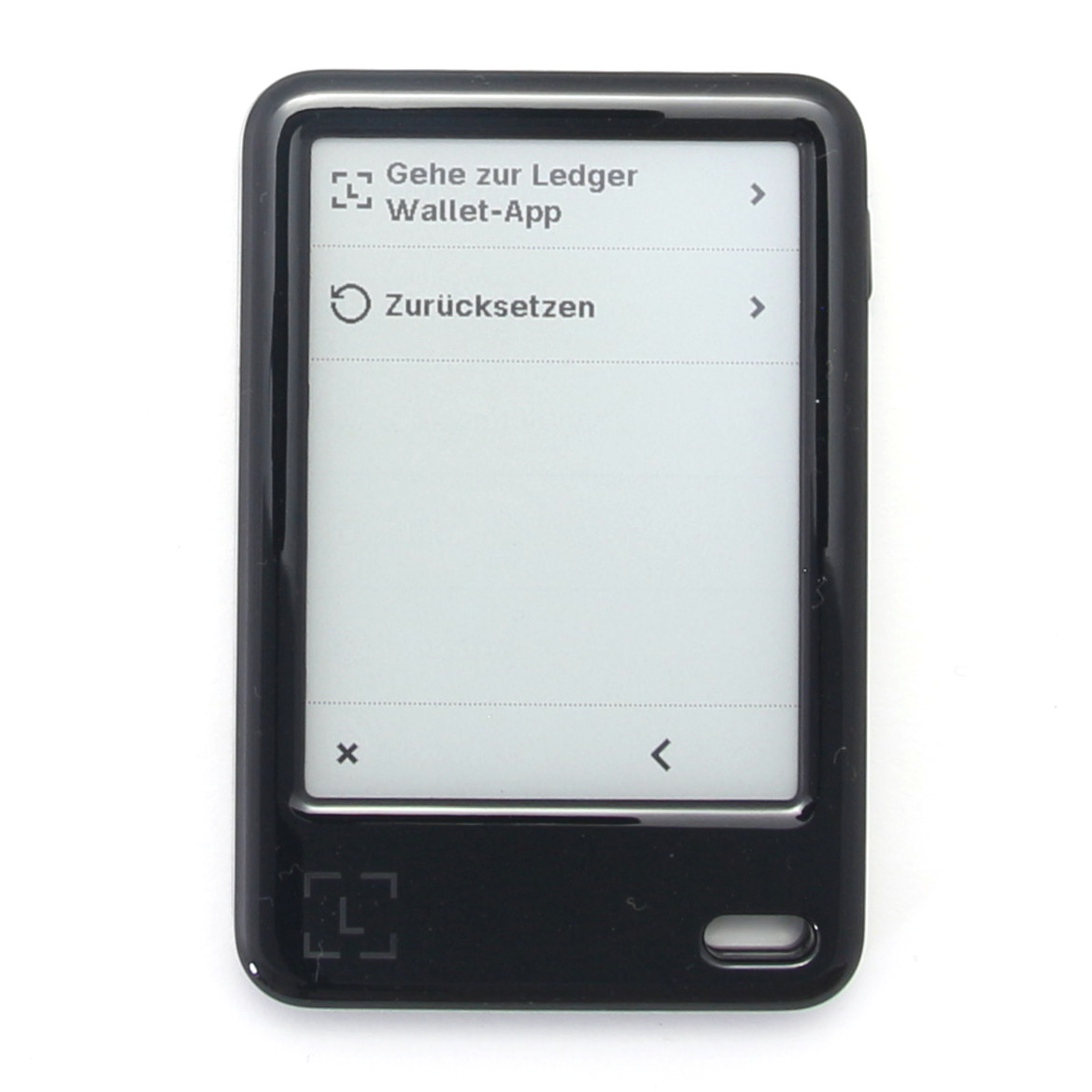
However, it must be acknowledged that the E Ink technology, which provides the long battery life and clarity in bright light, also comes with compromises. The display has no backlight, which makes it impossible to use in the dark. In addition, the response speed of the E Ink display naturally does not correspond to that of a modern smartphone screen, which can subjectively lend the user experience a certain “jankiness”. Nevertheless, the touchscreen reacts quickly and precisely to inputs.
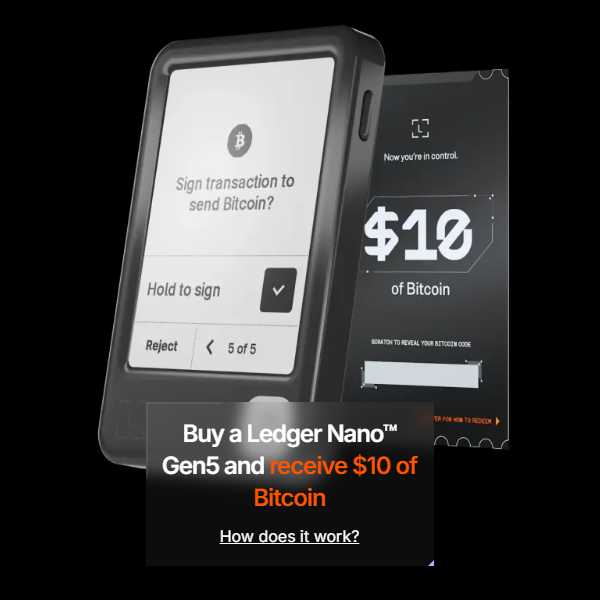
The main task of the signer is to confirm transactions, which is facilitated by the clear signing feature. Instead of blindly confirming cryptic codes or addresses, the Gen5 displays the transaction details (amount, recipient address, fees) in clear, human-readable form on its secure screen. This is crucial for recognizing fraud attempts such as address poisoning.
To complete a transaction, you view the details and then press and hold the confirmation button, which triggers the signature process. This simple but deliberate step makes the approval secure and unambiguous.
Conclusion on handling
Switching to the touchscreen is a great benefit for everyday use. Although the E Ink display has technological limitations in terms of lighting and response time, the advantages of clarity and intuitive control far outweigh these, especially in combination with the Clear Signing feature.
Compatibility of the Ledger Nano Gen5
The Ledger Nano Gen5 is more than just an isolated device; it is the central component in a broad digital ecosystem, the so-called Ledger Wallet App (formerly Ledger Live).
Platform independence is a major advantage. You can connect the Nano Gen5 to both your desktop computer and mobile devices.
Platform and service integration
The Nano Gen5 can be used with the most common operating systems, including:
The connection is made flexibly via USB-C, Bluetooth (especially BLE 5.2 for iOS and Android) or NFC in the case of the Ledger Recovery Key.
The new Ledger Wallet app enables centralized management of your assets and serves as a secure gateway. In addition, the Ledger Nano Gen5 offers extended compatibility by acting as a security key with the Ledger Security Key app. The supported services and wallets include
- Mycelium
- MyEtherWallet
- Bitstamp
- SSH Agent
- FIDO/U2F
- Password Generator
- OTP
- Metamask
- Rainbow.me
- BTC direct
- Mercuryo
Of particular note is that you can now access dApps directly via the Ledger Wallet app, for example in collaboration with 1inch, eliminating the need to juggle additional browser extensions. This reduces the attack surface and simplifies the workflow considerably.
Supported digital assets
The device supports an immense number of cryptocurrencies and tokens.
In total, the Ledger Nano Gen5 supports 5.500+ (to the complete list) digital assets, tokens and NFTs. Over 500 cryptocurrencies are managed directly via the Ledger Wallet app.
Examples of supported cryptocurrencies include:
- Bitcoin
- Cardano
- Solana
- Tether USD
- Sui
- Ethereum
- Litecoin
- Dogecoin
- Zcash
- Dash
- Stratis
- Ripple
- Komodo
- Bitcoin Cash
- Ethereum Classic
- ERC-20 Tokens
- PoSW
- ARK
- Expanse
- PivX
- Vertcoin
- Viacoin
- NEO
- Bitcoin Gold
- Stellar
- Hcash
- DigiByte
- Qtum
- IOTA
- Bitcoin Private
- ZenCash
- Nano
- Nimiq
- Peercoin
- Woleet
- Zcoin
- Tron
- Monero
- Wanchain
- Vechain
- Ontology
- Kowala
- Icon
- Particl
- Rootstock
- Hycon
- Waves
- Rise
- FIC Network
- Pirl
- EOS
- Akroma
- Stealth
- POA network
- Tezos
- Lisk
- Musicoin
- Factom
- Gamecredits
- MIX
- ethergem
- Casper
A minor technical point is the storage capacity of the device for the blockchain apps. The Gen5 has a memory capacity of 1.5 MB. As each blockchain app required for transaction signing and address generation takes up memory, the number of apps installed simultaneously is realistically limited to 10 to 20. However, this doesn’t prevent you from holding unlimited cryptocurrencies; it just means you’ll have to uninstall and reinstall apps if you use many different blockchain networks.
Conclusion on compatibility
Compatibility is excellent, both in terms of the platforms supported and the enormous variety of cryptocurrencies that can be managed. Centralized management and direct dApp connectivity via the Ledger Wallet app make the Nano Gen5 a comprehensive interface for your entire digital life.
Documentation & Support
A hardware security product is only as good as the available instructions and support in the event of an emergency.
The entire user interface of the Ledger ecosystem, especially the renamed Ledger Wallet app, has been developed with the aim of being more user-friendly, even for less crypto-savvy users. The setup itself already offers clear, visual step-by-step instructions.
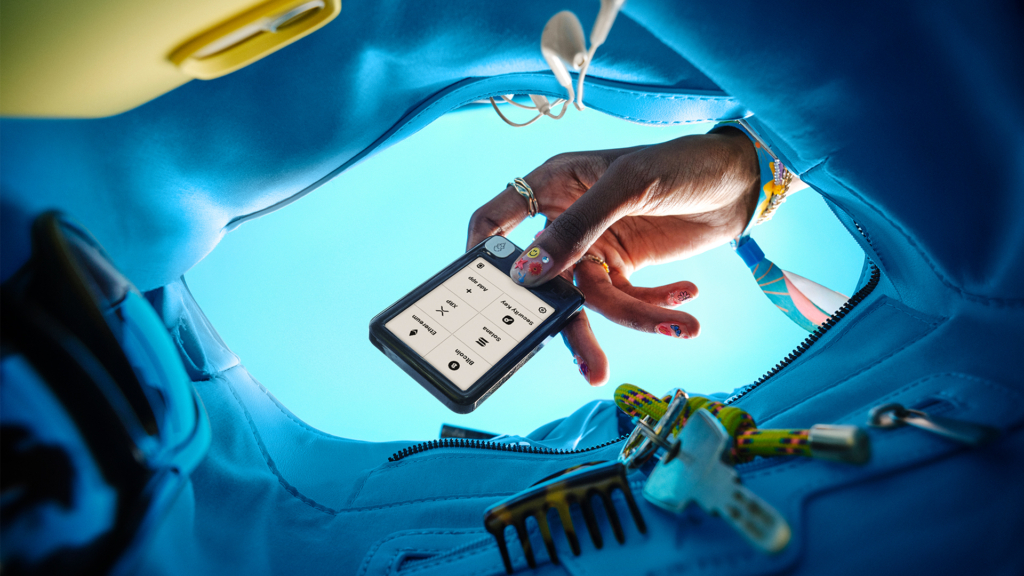
Ledger offers extensive self-help resources, including the Ledger Academy, where you can learn about crypto and Web3 basics, as well as a blog with the latest news.
On the company website and in the applications, it is clear that Ledger offers broad language support to serve a global user base. The user interface and documentation are available in many languages, including German, English, French, Turkish, Spanish and others.
Customer support is usually provided via a ticket system. Detailed information on recovery and migration is also provided, for example in the event that the device is lost or if you want to migrate from an older wallet. Ledger always emphasizes that the recovery of your assets is guaranteed as long as your secret recovery phrase or recovery key is secure.
Conclusion on documentation & support
Ledger offers an extensive ecosystem with the Ledger Wallet app and comprehensive learning resources available in many languages. This underpins the promise of making digital personal responsibility accessible.

When you play this YouTube video, data is transmitted to Google.
Security of the Ledger Nano Gen5
Security is the foundation of every hardware wallet, and this is where the Ledger Nano Gen5 shows its greatest strength. Although the price is in the mid-range segment, the device offers the same leading security architecture as the more expensive flagship models.
Secure Element Chip and Ledger OS
The CC EAL6+ certified Secure Element Chip (ST33K1M5) is at the heart of the security. This is currently the highest security level in the private sector. This chip is also used in passports and bank cards and serves as a tamper-proof safe. Your private keys are stored in isolation and never leave this chip.
The Ledger Nano Gen5 is operated by the proprietary Ledger OS firmware. The operating system isolates the keys and minimizes the risk of keyloggers or malware attacks.
Certified Secure Screen and Clear Signing
Not all touchscreens are created equal. The Nano Gen5 has a Certified Secure Screen that is directly connected to the Secure Element Chip. No general chip is used that could represent a weak point.
This mechanism ensures Ledger’s central security promise: “What You See Is What You Sign”. As the transaction details are displayed directly and unaltered on the secure screen, an attacker is prevented from injecting a malicious transaction in the background.
Transaction Check
An important, newly added software feature is the Transaction Check. This tool analyzes Ethereum transactions for potential threats before you release them.
The Transaction Check acts like a digital tripwire: it warns you on the device if the contract or destination address appears suspicious or is known to be malicious. This is a proactive protection measure designed to help prevent accidental approvals of malicious smart contracts, which are one of the most common scams in the crypto space.
Ledger security key and passphrase
The Ledger Nano Gen5 can also be used as a physical Ledger Security Key. This allows you to use the device for two-factor authentication (2FA) or for passkeys on various online platforms and exchanges (such as Google or Kraken). This offers a more secure 2FA method than app or SMS-based solutions.
The Nano Gen5 also supports the optional passphrase function (sometimes referred to as the 25th word). With this function, you can create any number of additional hidden wallets alongside your main wallet, which can only be accessed by entering this additional word.
Conclusion on the security of the Ledger Nano Gen5
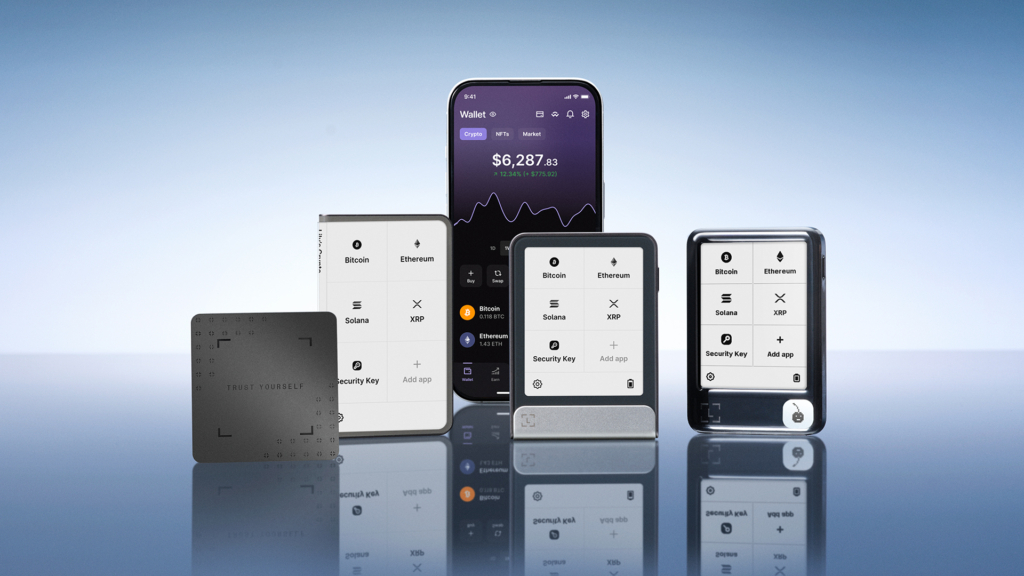
The Ledger Nano Gen5 delivers the full Ledger performance in terms of security. The use of the EAL6+ Secure Element Chip in combination with the Secure Screen and the new software guardrails such as the Transaction Check position the Nano Gen5 as an extremely secure device that should convince even technically experienced users.
Personal summary of the Ledger Nano Gen5
The Ledger Nano Gen5 represents a significant step forward in the Nano line and is essentially the Flex for the mainstream. It delivers the same high level of security (EAL6+ chip) and improved usability of the touchscreen as the premium models, but forgoes expensive materials and features such as Qi charging to achieve a much more accessible price.
For users upgrading from older Nano S Plus or Nano X models, the Gen5 is an obvious upgrade, as the touchscreen and clear signing simplify transaction approval immensely. The introduction of the Transaction Check offers real added value for security, especially when dealing with smart contracts.
It should be noted that the plastic frame and the monochromatic display characterize the difference to the “flagships”. Those who value Gorilla Glass, magnetic stackability or wireless charging will still have to reach for Flex or Stax. But for everyday use, handiness and the central function – the secure signing of digital decisions – the Ledger Nano Gen5 is outstanding and currently offers the best price-performance ratio in the Ledger touchscreen range. It is a clear recommendation for anyone who wants to enter the world of digital sovereignty or replace an older device.
Product Specifications
User Reviews 0
No reviews yet
FAQ 6
Ask your own question